 How we use AI in our process


When Existing Digital Products
Need a UI/UX Redesign
Users struggle with outdated or confusing experiences
When your interface was built years ago, it shows. Outdated navigation patterns, unclear affordances, and convoluted task flows erode onboarding, suppress feature adoption, and prevent users from completing the exact actions your product was designed for.

Product growth creates new UX complexity
Adding features without rethinking structure compounds debt. Navigation expands without a logic system. Legacy layouts collapse under new modules. The interface fragments into disconnected zones, and users lose their mental model of how the product fits together.
Business goals change faster than the interface
Your strategy has evolved - new segments, new value propositions, new conversion priorities. But the interface still reflects decisions made three product cycles ago. This misalignment costs you, in user trust, in operational efficiency, and in measurable business output.
Selected Metrics that
Reflect Our Work with Digital Products
What Clients Say About
UITOP’s Redesign Work


Cole Weiler
CEO, BoltWise“They took way more responsibility than we asked and we were so happy with the results of all their work. UITOP was easy to work with, flexible, and valuable to our company.”


Neil Hosey
ResHub, CTO


Dylan Gambardella
Founder, Different Health“They took extra time to ensure that our frontend developer could easily implement the wireframes.”

Sam Jordan
TrovBase, CEO

Dirk Pauw
CEO, Tavas“We’re most impressed with UITOP’s ability to come up with a system to be able to bring design solutions.”

Jordan Girard
Whiterock, Founder

Jake Heimark
Costa Security, CEO"We are happy with the improved UI/UX, which has made product navigation cleaner, simpler, and more intuitive. The team is great and always there to help."

Michael Mosseri
Total Brokerage, CEO

Nicolas Endress
ClimEase, CEOUI/UX Redesign Cases
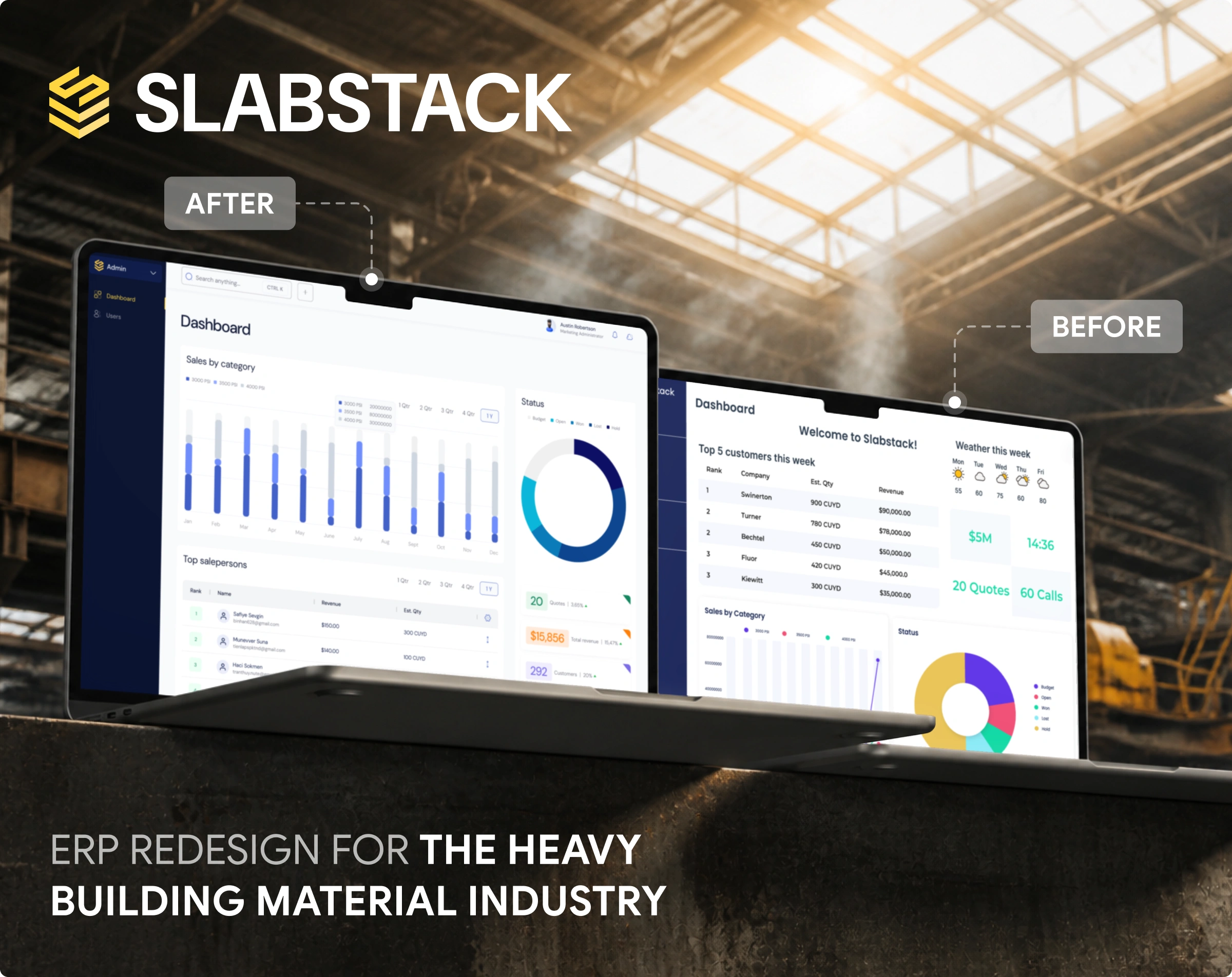
Turning a friction-heavy product into a clearer user experience
Construction teams often have to manage complex operations across scattered tools and disconnected workflows. So, our client, Slabstack, needed to turn their ERP product idea into a market-ready platform fast. Our designers shaped the information architecture, designed 150 screens, created a scalable component system, and unified projects, reporting, communication, and daily operations into a single intuitive interface.
- 91 usability score
- 95 responsiveness score
- 3-month launch timeline
- +150% new users in Q1

Making complex product data easier to navigate and understand
Fleet managers were stuck with a system that collected data but didn’t help them act on it. Activate OS needed to turn scattered fleet, staff, and field information into real operational control. Our UITOP team rebuilt the product architecture: engineered a real-time dashboard, introduced a modular React component system, optimized high-performance maps, and connected equipment, inspections, issues, and maintenance data in one responsive interface.
- Equipment downtime decreased by 24.3%
- Operations teams made decisions twice as fast
- Release cycles shortened from 3 months to 4 weeks
- The product was acquired by Sandhills Global

Modernizing an existing interface without losing product logic
Another UITOP’s client, Rotimatic, needed to make bakery device management feel simpler since bakers were switching between separate controls for ovens, mixers, and other machines, which made planning harder and increased the chance of mistakes. UITOP designed one intuitive operation platform: unified device settings, built a clear machine-status dashboard, added ingredient planning tools, created user activity tracking, and introduced a reusable component library for consistent, faster product development.
- Easier device management for bakery teams
- Machine controls unified in one interface
- Clearer ingredient planning and usage tracking
- More consistent product growth through reusable components

Why Companies Choose UITOP
for UI/UX Redesign Services


What Our UI/UX Redesign Services
Include
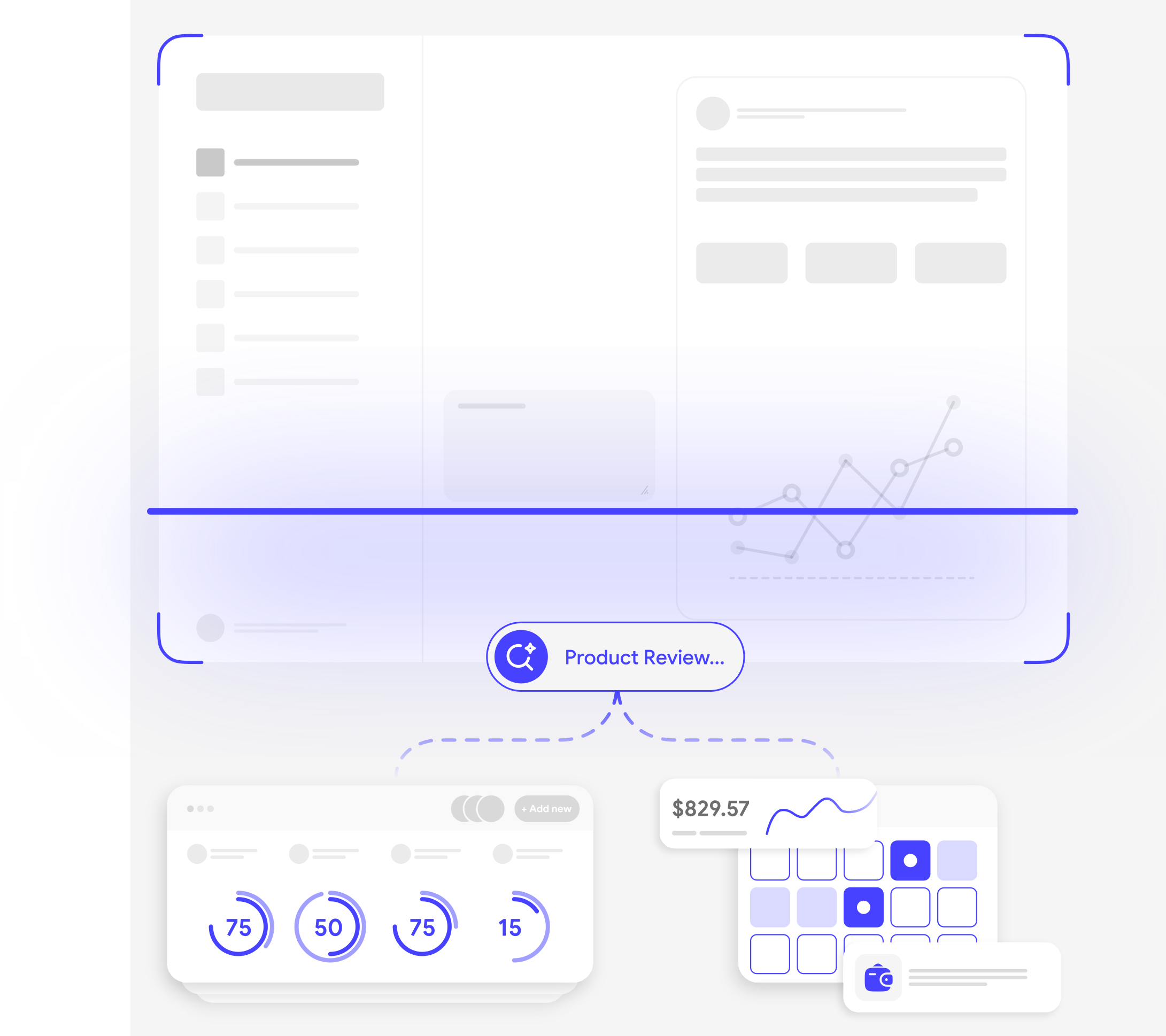
Product Review and Redesign Strategy
Existing experience and funnel review
At UITOP, we map your current product end-to-end, tracing user flows, identifying friction clusters, and locating the exact points where users stall or abandon. This gives us a factual baseline before any redesign decision is made.
User pain points and usability priorities
Feedback and analytics don’t always show the real problem right away. Our UITOP team looks at what users say and how they behave to find the friction that slows them down. Then we prioritize the issues that have the biggest impact on key user tasks and important business flows.
Redesign scope and improvement roadmap
Vague redesign briefs produce unpredictable outcomes. Our team translates audit findings into a defined scope document: what gets fixed, what gets restructured, what gets left alone, and in what sequence. You get a clear, negotiated roadmap before any design work begins.

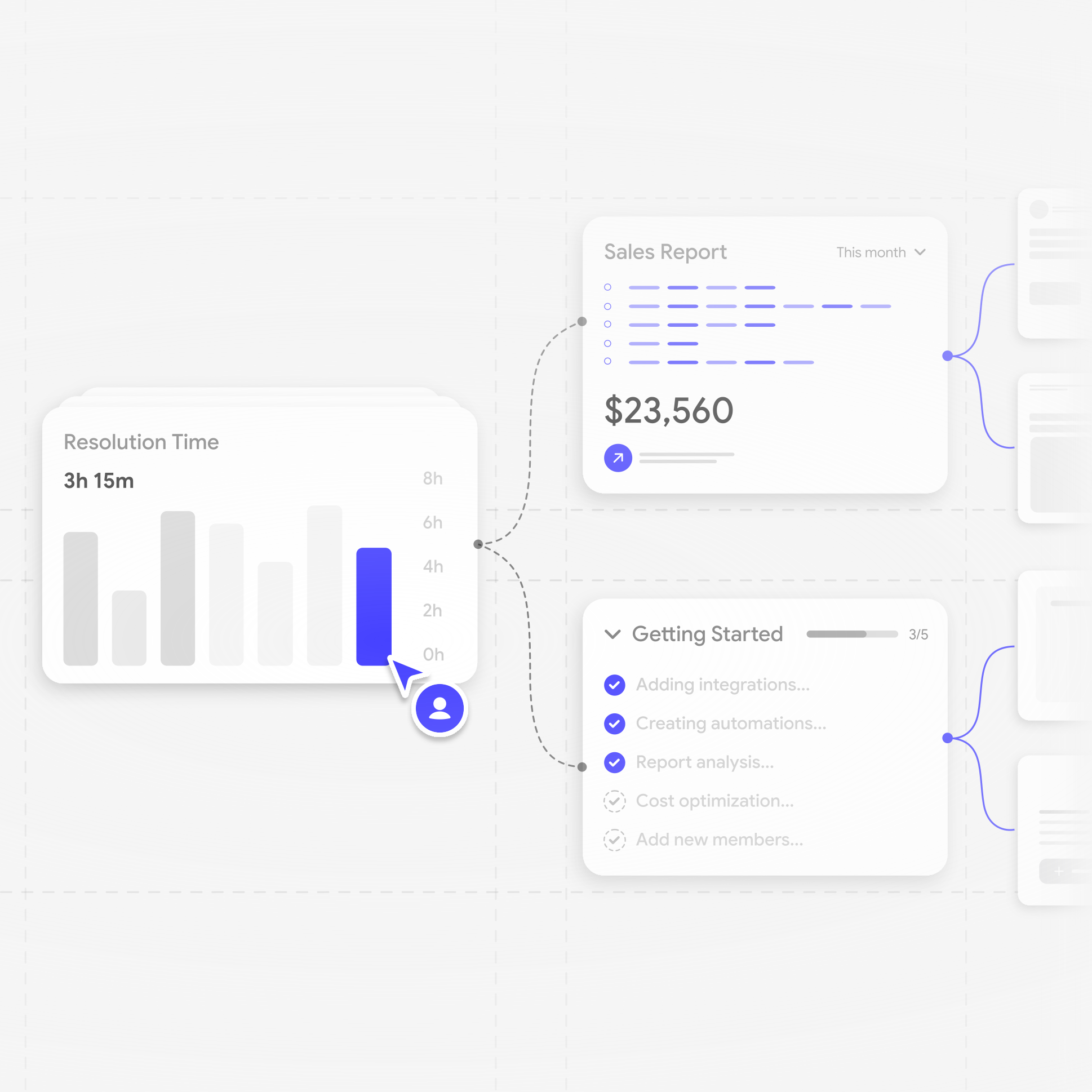
UX Flows, Interface Redesign, and Prototyping
User flows and information architecture updates
We rebuild the structural logic of your product – navigation systems, task pathways, module relationships, and cross-feature transitions. The goal is a coherent architecture where users always know where they are, what’s available, and how to get where they need to go.
Wireframes and interactive prototypes
Before committing to the final UI, UITOP validates structural decisions using wireframes and clickable prototypes. This surfaces layout conflicts, navigation dead ends, and sequence issues at a stage when changes cost almost nothing.
Visual interface redesign and component consistency
Our UITOP team modernizes the visual layer: type hierarchy, spacing systems, color logic, component states, and interaction patterns, all aligned to a unified visual grammar. The result is an interface that communicates clearly at a glance and holds together across every screen and state.

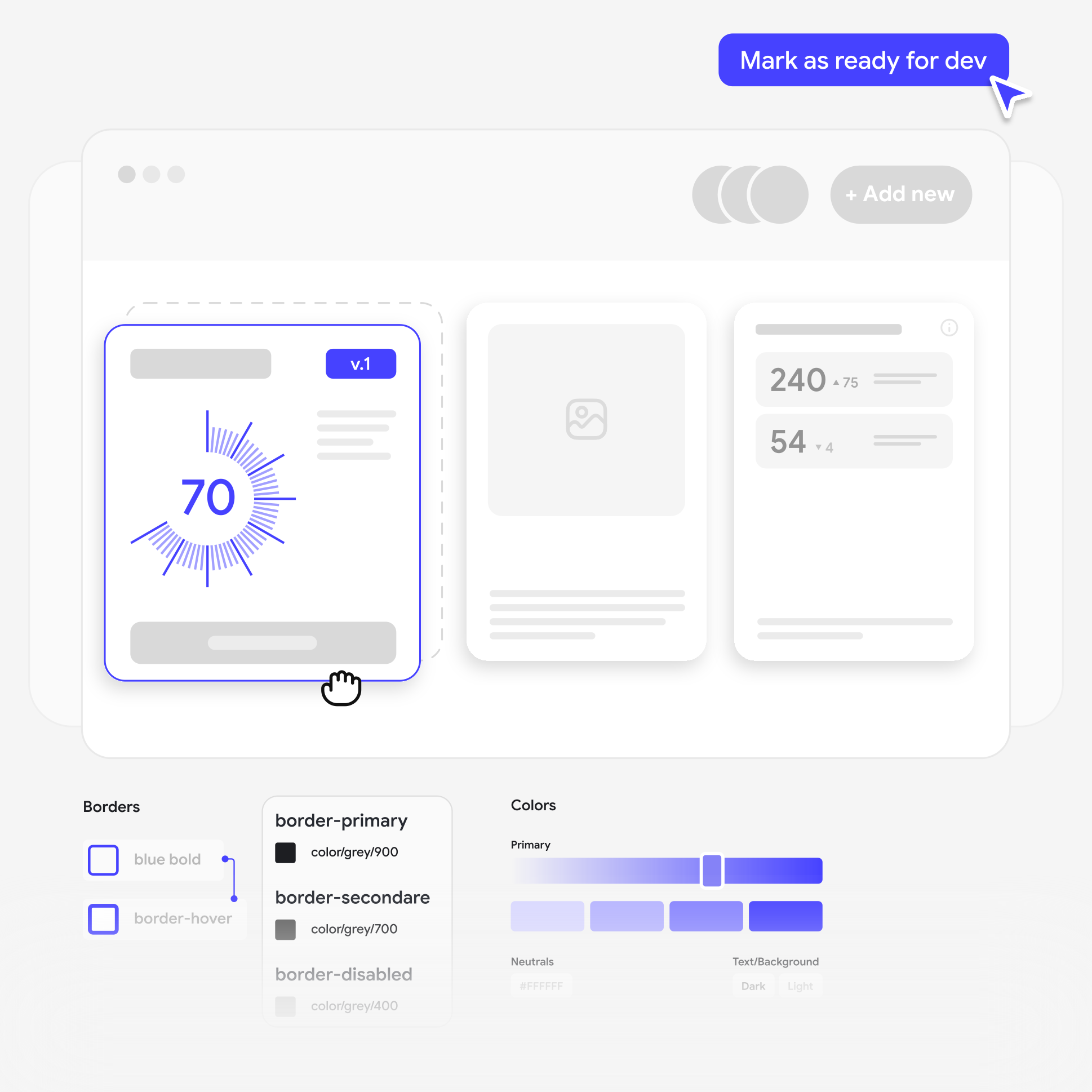
Validation, Design Systems, and Handoff
Usability validation and iterative refinement
Design decisions get stress-tested through structured review cycles. We run usability checks against real task scenarios, collect stakeholder feedback at defined checkpoints, and refine layouts iteratively. Changes are grounded in observed behavior and explicit criteria.
Scalable UI patterns and design system updates
UITOP audits your existing component library (or builds one from scratch), establishing an atomic, reusable design system with documented tokens, pattern variants, and usage rules. Future development can move faster and stay visually consistent without re-solving the same design problems repeatedly.
Development-ready documentation and handoff
Final deliverables cover every state your developers will encounter: default, hover, focus, error, loading, empty, and responsive breakpoints. Each component ships with written specs and behavior notes, giving engineering a precise implementation reference.


Our UI/UX Redesign Process
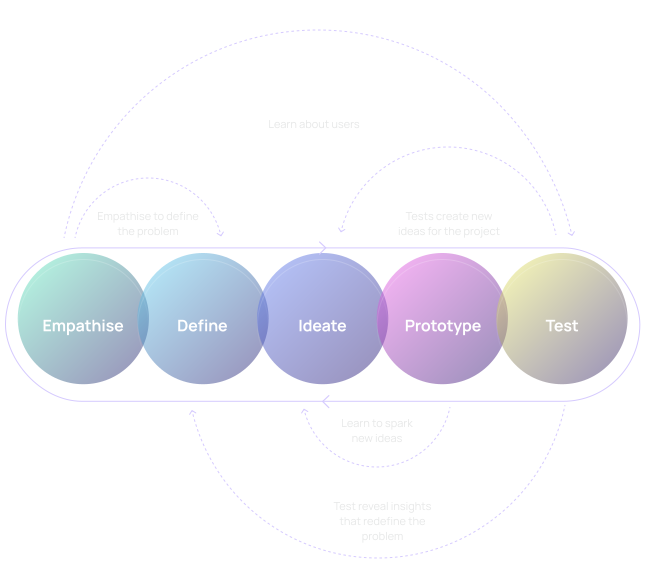
1. Diagnose Product Friction
2. Define Redesign Priorities
3. Rework User Flows and Product Structure
4. Prototype and Validate Improvements
5. Build the Updated Visual System
6. Prepare Development Handoff
Methods, Tools, and Deliverables
We Use in Product Redesign
We isolate user friction using Hotjar, FullStory, and Google Analytics, then engineer validated flows in Figma and Framer. Finally, UITOP delivers dev-ready assets with Storybook libraries and Figma design systems, ensuring your team implements the redesign with zero interpretation gaps.


Frequently Asked Questions
What are UI/UX redesign services?
A structured overhaul of an existing digital product’s interface, user flows, and underlying interaction logic. The goal is to eliminate friction that hurts adoption, modernize the visual system, and realign the entire product experience with where your business actually stands today.
When does a digital product need a redesign?
Watch for declining conversion or retention rates, high user drop-off during onboarding, a competitor’s interface consistently winning deals yours loses, or a product that’s grown so many features the navigation has become genuinely difficult to explain to a new user. Any one of these is a signal.
How is UI/UX redesign different from a UX audit?
A UX audit is the diagnostic – it maps where users struggle and why. A redesign is the execution that follows: rebuilding the information architecture, restructuring user flows, and overhauling the visual system to actually fix what the audit identified. One finds the problems. The other eliminates them.
Can you redesign an existing SaaS product or web app without rebuilding it from scratch?
Yes. We can redesign an existing SaaS product or web app without rebuilding it from scratch. Our UITOP team starts by understanding your current product, user pain points, business goals, and technical constraints. Next, our team improves the UX, visual design, flows, and interface structure in a way that works with your existing system whenever possible.
What deliverables do you provide during a product redesign project?
A validated information architecture, restructured user flows, interactive prototypes, high-fidelity UI layouts for every core screen, and a scalable Figma design system with reusable components. Engineering receives annotated, edge-case-complete specifications.
How do you validate that the new design will work?
Decisions are grounded in product analytics, established usability principles, and direct user research. Before any development starts, we test interactive prototypes against real task scenarios, confirming the redesigned architecture measurably reduces cognitive load and accelerates task completion rather than just looking cleaner on screen.
How long does a UI/UX redesign project take?
Scope determines the timeline. Targeted optimization of a single high-friction workflow typically runs three to four weeks. A comprehensive overhaul of a complex, multi-module web app or enterprise platform generally spans six to ten weeks, structured around weekly milestones, so progress stays visible and scope stays controlled.
Can UITOP support development after the redesign stage?
Yes, UITOP operates as a full-cycle partner. We can hand your team production-ready specifications and provide ongoing design supervision through implementation, or our development team can handle the build directly. Either way, what gets coded matches what was designed, without interpretation gaps or implementation drift.