Design, Product • Mar 03, 2026
 How we use AI in our process Learn more
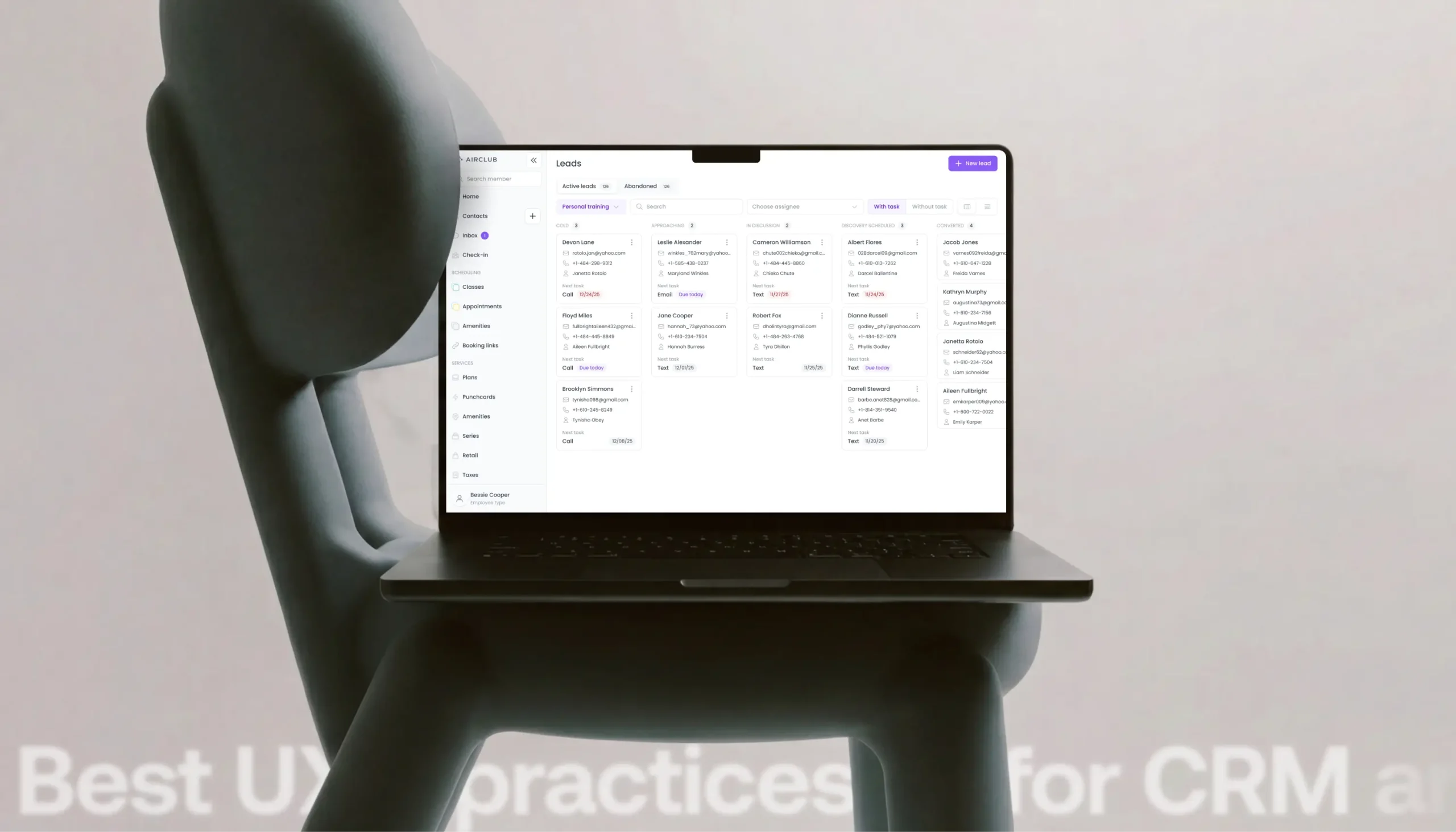
Internal systems, such as ERP and CRM, face a persistent challenge: poor user experience. Employees navigate overloaded interfaces, struggle with confusing workflows, and waste valuable time completing routine tasks. While consequences might not appear in quarterly reports immediately, the long-term impact on business efficiency is substantial.
Unlike consumer products, where frustrated users simply switch to competitors, internal systems present a different dynamic. Employees must work with the tools their company provides, regardless of usability issues. When you consider how to design a CRM system that employees will use effectively rather than resist, the stakes become clear: every interface decision directly affects business efficiency, task completion speed, and team satisfaction.
Modern business operations demand systems handling sophisticated workflows, multi-level permissions, and diverse user roles while remaining intuitive. This article explores proven UX practices for CRM, ERP, and other internal systems, demonstrating how specific design approaches transform complex platforms into productivity tools.
We'll examine real implementation examples and discuss how emerging innovations in AI automation, mobile-first design, and accessibility are reshaping enterprise software design.
The fundamental difference between internal business systems and consumer products creates a unique design challenge. Internal CRM software and ERP systems don't allow users to switch to competitors - employees must use whatever tools their organization implements. This makes good design even more critical.
Managers spend 6-8 hours daily immersed in their CRM, processing dozens of customer interactions and coordinating with teams. Every additional second navigating confusing menus multiplies across hundreds of daily operations. A poorly designed workflow systematically drains hours from each workweek, accumulating into days of lost productivity monthly.
The complexity inherent in enterprise systems compounds these challenges. Multi-level permissions create confusion about available actions. Different user roles require tailored interfaces showing relevant information without overwhelming users. When internal systems fail to address these complexities, consequences cascade throughout organizations. Sales managers waste time on administrative tasks instead of building customer relationships. Support teams struggle to keep pace with requests because critical information requires too many clicks.Research demonstrates ROI from competent design. Organizations opting for professional CRM development services see adoption rates increase by 40-60%, with employees demonstrating greater willingness to use systems correctly. Error rates decline as interfaces guide users toward correct actions. The cumulative effect transforms design investment from a cost center into a measurable driver of operational efficiency.
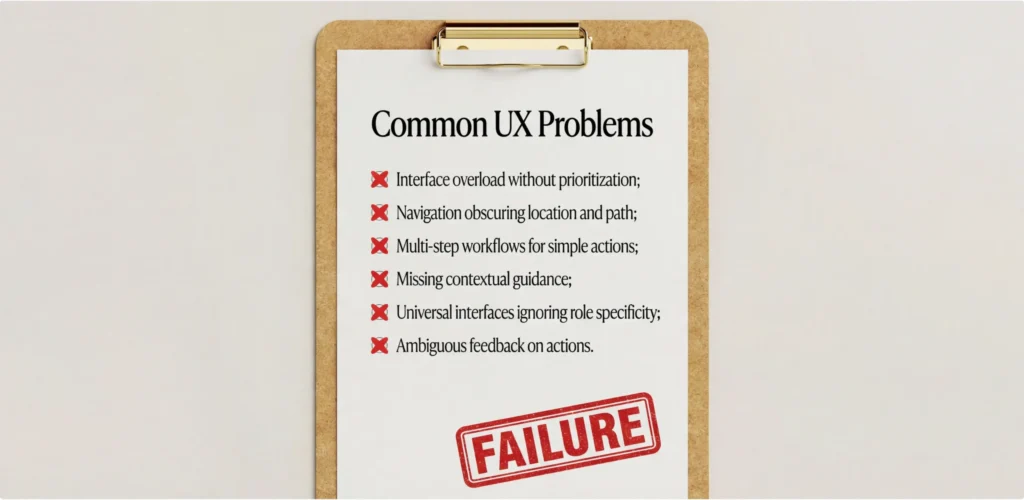
Most internal systems suffer from predictable design problems eroding user experience and productivity:
These problems stem from a fundamental mistake: the best internal CRM system should be designed from user workflows outward, but many are structured around database schemas. This gap creates friction, accumulating into productivity drains.
The dashboard problem exemplifies this disconnect. Teams request all functionality on the main screen, leading to interfaces resembling cluttered control panels. Users open their CRM facing 200 leads with no visual indication of priority. Without a clear hierarchy, work becomes chaotic rather than systematic.
The primary mistake in CRM system design is starting with data structures rather than human processes. Effective design requires a deep understanding of how people actually work - real daily patterns, priorities, and pain points.
| User Role | Core Workflow | UX Requirement |
|---|---|---|
| Sales Manager | Sales funnel tracking | Visualization of transaction stages, quick filters by status |
| Customer Support | Handling customer inquiries | Single window with history, quick access to the knowledge base |
| Account Manager | Key account management | Panel with critical account metrics, reminders |
| Admin | Configuring permissions and workflows | Visual rule editor, clear role structure |
Workflow-driven design means building each screen around specific tasks rather than generic data entry. Sales managers shouldn't gather information from five different sections. Everything critical for decisions should appear in one place: recent contact history, open tasks, purchase patterns, and competitive intelligence.
Professional UI/UX design services providers begin with thorough user research before making design decisions. They interview employees across roles to identify genuine pain points: Which tasks consume the most time? Where do errors occur? What causes frustration?
Mobile context introduces additional considerations. Field sales teams working from smartphones need interfaces adapted for small screens with critical actions within easy thumb reach. Information hierarchy becomes crucial when screen real estate is limited.
Permission systems profoundly impact user experience. When access controls are poorly designed, they create confusion and slow work. The fundamental principle: show users only what's available to them, making limitations invisible rather than constantly visible.
When employees lack permission to edit data, the "Edit" button simply shouldn't appear. Displaying grayed-out, disabled buttons creates visual noise and raises distracting questions. This cognitive friction accumulates across every disabled feature.
Thoughtful role structure naturally simplifies navigation while maintaining security. Junior sales representatives see streamlined interfaces focused on essential functions. Team leads' interfaces expand to include performance analytics and team management. Sales directors see the complete picture with strategic reports and configuration. This progressive disclosure means each user faces only the complexity relevant to their responsibilities.
Contextual permissions add sophistication beyond static role definitions. Sales managers can edit deals they own while having read-only access to colleagues' opportunities. Systems should automatically adapt interfaces based on record ownership, all without users consciously thinking about permission rules.
Visual indication of permission scope helps users understand their context. When viewing a record, they should understand why they're seeing it and what actions are available. Transparency builds trust and reduces confusion.
Internal systems inevitably grow complex as they accumulate features, integrations, and edge cases over years of development. The goal of thoughtful UX design isn't to oversimplify functionality - that would undermine the system's value - but rather to manage perceived complexity so users can work efficiently without feeling overwhelmed.
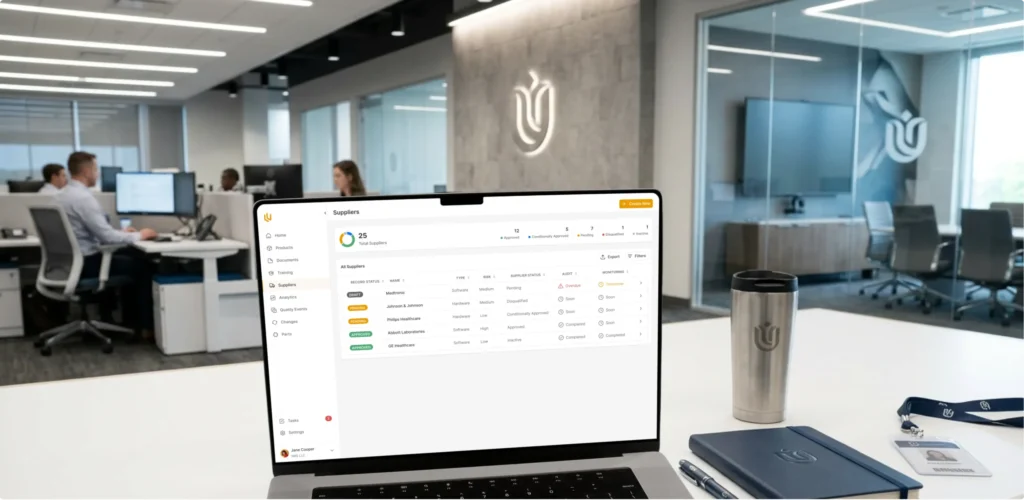
Key approaches to complexity management:
The critical balance is avoiding false simplicity - removing necessary functionality in pursuit of "clean" design. Users must have access to advanced features when they need them, but shouldn't see them constantly. Testing with real users reveals the optimal path between simplicity and capability.
Adoption represents the critical metric for internal systems because the most sophisticated functionality becomes worthless if employees refuse to use it consistently. Increasing adoption requires addressing both practical usability and psychological resistance to new tools.
Here are some essential adoption practices:
Professional ERP software development teams understand that successful adoption rarely happens through instant migration. Starting with one workflow and demonstrating clear success creates advocates who encourage broader adoption. This incremental approach respects that changing work habits takes time while building confidence that the new system genuinely improves productivity.
Comprehensive design systems provide foundations for CRM and ERP platforms that scale effectively as organizations grow. This isn't merely component libraries - it's integrated approaches to maintaining consistency across expanding functionality.
Without unified design systems, each update introduces new patterns, fragmenting the user experience. Consistent design patterns dramatically reduce cognitive load because users internalize rules once and apply them everywhere. When blue buttons always save, gray buttons always cancel, and red buttons always delete, users stop consciously thinking about what each button does.
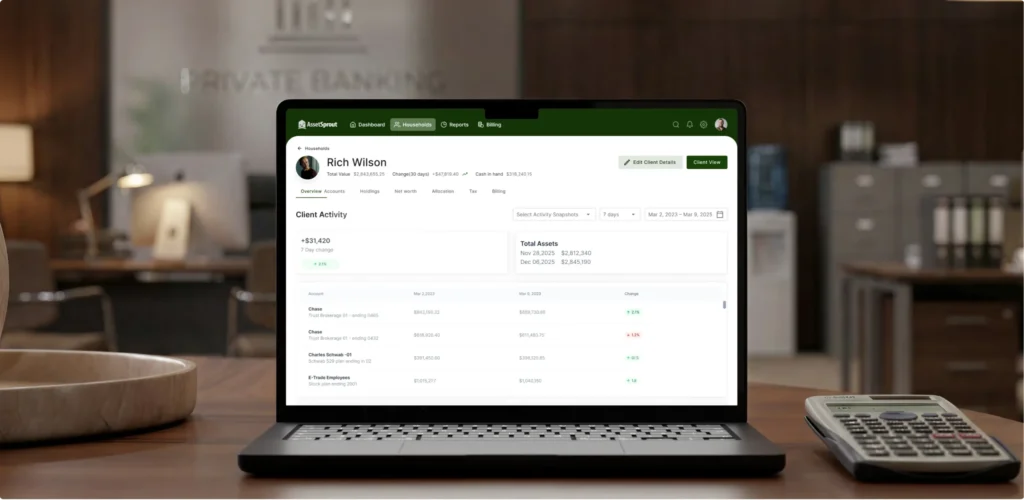
A robust component library accelerates development while ensuring consistency. Designers select appropriate components from established systems. Developers assemble forms from existing, tested elements. Time savings compound across every feature addition.
High-quality web app design services providers build design systems as living organisms evolving alongside products while maintaining core integrity. Documentation proves just as important as components themselves - each element needs clear descriptions of use cases, implementation examples, and limitations.
For industries with specific requirements, for instance those requiring interior design CRM software that must accommodate project visualization, material specifications, and client collaboration, design systems ensure specialized features maintain consistency with core functionality. The unique needs of an interior design CRM system demand rigorous attention to coherent patterns, helping users navigate complex, industry-specific workflows alongside standard CRM capabilities.
Measuring UX effectiveness in internal systems requires specific metrics focusing on productivity, efficiency, and satisfaction indicators correlating with business value.
| Metric | Description | Target Value |
|---|---|---|
| Task completion time | Time required to complete typical tasks | 30-40% decrease after redesign |
| Error rate | Number of errors per 100 actions | Less than 5% |
| Feature adoption | Percentage of users using features | Over 60% for key features |
| Time to proficiency | Training time for new employees | Less than 2 weeks for basic operations |
| Net promoter score (NPS) | Willingness to recommend the system | Above 30 |
Task completion time directly translates to business efficiency. If creating a deal required five minutes before redesign and two minutes afterward, that's a measurable 60% time saving. Multiplying this improvement across daily operations reveals substantial resource savings.
Feature adoption directly measures ROI on development investment. If new capabilities cost months of development but only 15% of users engage with them, that investment failed. Low adoption signals UX problems preventing discovery or understanding.
Productivity indicators create the clearest link between UX and business outcomes: support requests processed per hour, speed of closing deals, and customer contacts per day. These metrics communicate direct impact on revenue and operational efficiency.
Professional UX design represents a systematic transformation affecting efficiency across entire businesses. Organizations treating design as a strategic investment see measurable returns through improved productivity, reduced training costs, and increased employee satisfaction.
Experienced UI/UX design services providers approach internal system redesign through comprehensive research. They study actual workflows, interview users across different roles, analyze bottlenecks, and map gaps between how systems currently work versus how they should work.
Here are some of our real-world transformations demonstrating measurable impact:
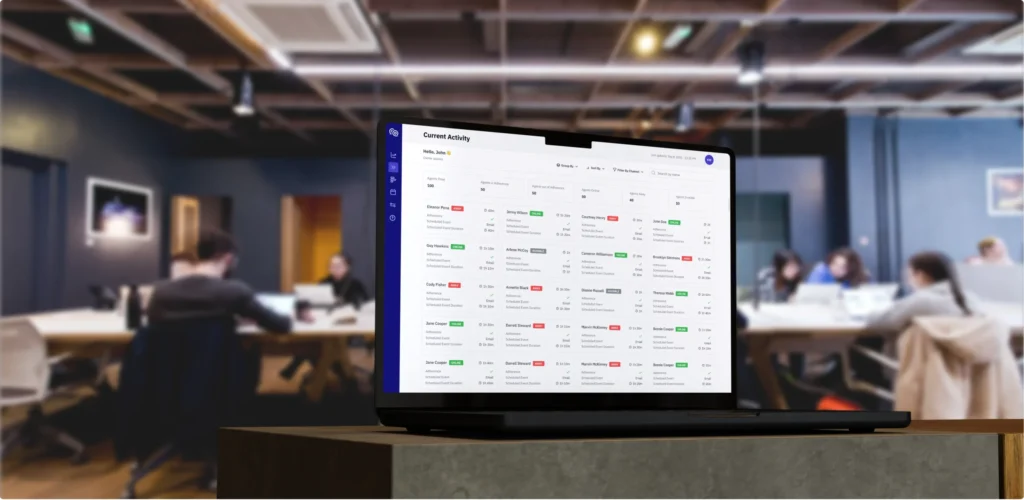
Aimiable platform. We redesigned a platform for managing support team workflows suffering from severe interface overload. Our complete redesign focused on simplifying planning and automating load distribution, resulting in 87% increase in demo conversions to active users and a 97-point usability score.
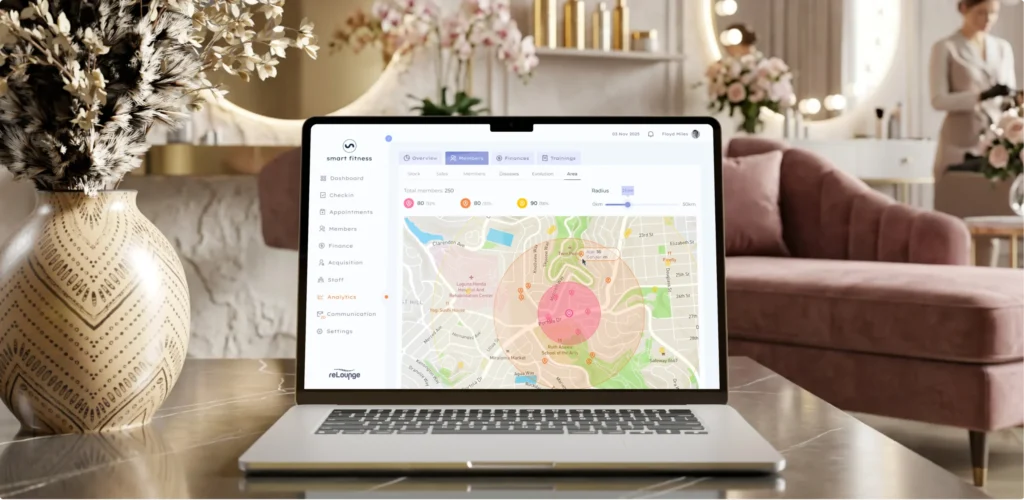
ReLounge fitness CRM. This specialized CRM integrated IoT device monitoring with member management, creating complexity overwhelming staff. We simplified workflows while making equipment data intuitive, increasing retention by 91% and achieving a 94-point ease-of-use score.
Tinyclues marketing CRM. Professional marketers faced confusing navigation, obscuring needed insights. We created an intuitive interface structure focused on key scenarios, achieving an 88 usability score while the user base expanded by 27%.
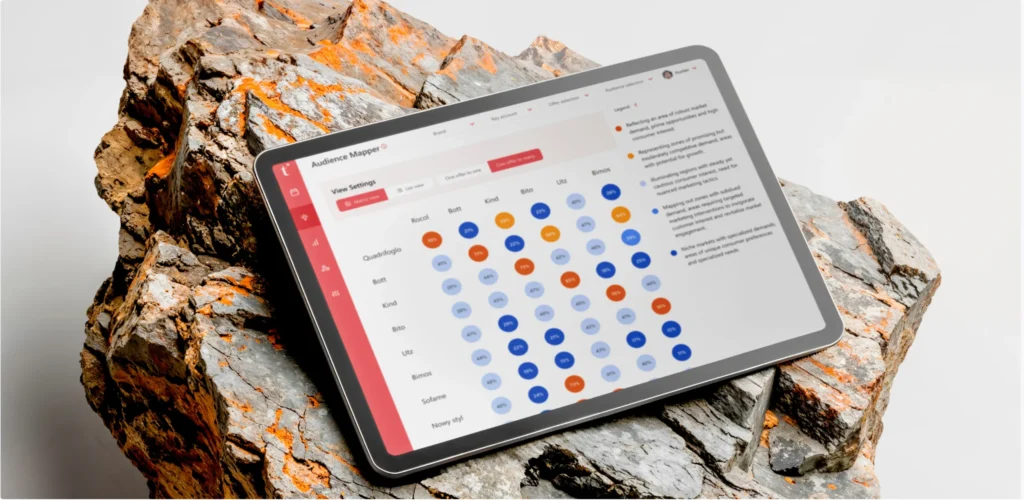
These projects demonstrate consistent patterns: focusing on real user tasks rather than technical capabilities produces measurable business results. Investment in professional product design services generates quantifiable ROI through reduced training time, accelerated task completion, and decreased support workload.
While CRM and ERP systems share characteristics as internal business platforms, their fundamental purposes create distinct design requirements demanding different approaches.
| Aspect | CRM UX | ERP UX |
|---|---|---|
| Design focus | Speed of customer interaction | Process and data integrity |
| Top priority | Contextual solutions and speed | Sequence of actions |
| Typical user | Managers, marketers | Operations specialists, financiers |
| Criticality of errors | Average (can be corrected) | High (affects the chain) |
| Workflow flexibility | High | Limited (strict processes) |
CRM design optimizes for rapid decision-making in dynamic customer relationships. Sales managers need to instantly assess deal status, understand customer context, and choose appropriate next actions. Speed matters because customers don't wait - opportunities to connect might last minutes.
ERP systems require careful visualization of dependencies where actions trigger cascading consequences. Changes in purchasing affect production scheduling, which influences logistics planning, which impacts financial forecasting. Errors in ERP prove more costly because they spread throughout integrated processes.
At UITOP, we approach these systems from different centers of gravity. In ERP, design builds around processes, dependencies, and strict action sequences, maintaining data integrity and business logic takes precedence. In CRM, focus shifts to people: optimizing for speed, providing contextual solutions, and supporting decision-making becomes paramount. The line between these approaches can be subtle, but it becomes obvious when design reflects what's primary for each system - process or interaction.
Both systems benefit from thoughtful UX, but the emphasis differs. CRM prioritizes flexibility and responsiveness. ERP emphasizes reliability and control, ensuring business processes maintain integrity even at scale.
User experience of internal business systems directly drives organizational productivity. How employees interact with CRM and ERP platforms affects adoption rates, operational efficiency, and technology investment returns.
Well-designed systems transform complex processes into intuitive workflows, enhancing work. Accumulated time savings from streamlined workflows, reduced errors, and faster task completion create measurable value, justifying design investment.
Key practices work consistently across industries: designing from workflows rather than database structures ensures systems match how people work. Role-based UX reducing cognitive load. Progressive disclosure managing complexity. Strong onboarding building confidence. Consistent design systems maintaining coherence as products scale.Organizations viewing UX as a strategic investment gain a competitive advantage through team effectiveness. The best interior CRM system or ERP platform isn't the one with the most features - it's the one empowering employees to work efficiently and effectively. That distinction makes UX essential for any organization serious about operational excellence.
Internal systems face unique challenges because employees use them for 6-8 hours daily, meaning poor experiences accumulate into significant productivity drains and eventual burnout. Unlike consumer products, where frustrated users simply leave, internal system users must continue working with what they have, making their frustration a direct business cost.
Additionally, the complexity of enterprise workflows – multi-level permissions, role-based access, process dependencies – demands specialized UX approaches that consumer product design doesn’t typically address.
Focus on metrics that directly correlate with business value: task completion time shows efficiency gains, error rates indicate interface clarity and workflow effectiveness, feature adoption reveals whether development investment creates actual value, and productivity indicators like deals closed per day or support tickets resolved per hour demonstrate concrete business impact.
Employee satisfaction scores (NPS) complement quantitative metrics by revealing how UX affects team morale and willingness to fully engage with the system.
CRM design optimizes for speed and contextual decision-making in dynamic customer relationships, where flexibility and rapid access to interaction history matter most. ERP design prioritizes process integrity and visualization of dependencies, where maintaining data accuracy and understanding cascading consequences takes precedence.
CRM users make judgment calls based on customer context; ERP users follow deterministic processes where accuracy and sequence matter more than speed. Both benefit from strong UX, but the emphasis differs based on each system’s fundamental purpose.
Start with high-quality onboarding that builds confidence through quick wins rather than overwhelming users with exhaustive feature tours. Provide contextual help integrated into the interface so users can get answers without leaving their workflow. Ensure the first interactions feel successful – creating a contact, completing a task, seeing immediate results. Implement gradually rather than forcing instant migration from legacy systems.
Integrate with familiar tools like email and calendars so the new system enhances rather than disrupts existing workflows. Collect feedback regularly and demonstrate responsiveness by addressing concerns and refining based on user input.
Yes, particularly when scaling or maintaining systems over time. A design system ensures consistency that reduces cognitive load as users build transferable mental models. It accelerates development by providing reusable components rather than requiring repeated custom work. It prevents UX debt that accumulates when different teams build features without coordination.
The upfront investment pays dividends through faster feature development, improved consistency, easier maintenance, and better scalability as the system grows from dozens to thousands of users. For long-term products, a design system isn’t optional – it’s essential infrastructure for sustainable growth.