 How we use AI in our process
 AI-driven workflow management system for CS teams

Aimiable optimizes workforce performance with advanced task scheduling, team collaboration, and performance tracking, enabling teams to stay aligned and productive.

Aimiable's initial design had functional issues, making it hard for users to navigate. Adding new features only increased complexity, further complicating the user experience and making the design less intuitive.
The redesigned interface became clean and intuitive, ensuring a smooth experience for all user personas. Additionally, our product design process allows easy scaling with new features, keeping the navigation simple and user-friendly.

Project Brief
Aimiable is a workflow management platform that had a complex, overwhelmed interface that didn’t convert users. The team’s main goal was to improve usability and overall user satisfaction with the platform. We used the advanced product design approach to simplify scheduling, task optimization, and forecasting, making it more intuitive and efficient for teams to boost productivity and stay organized.

Scheduling
Problem
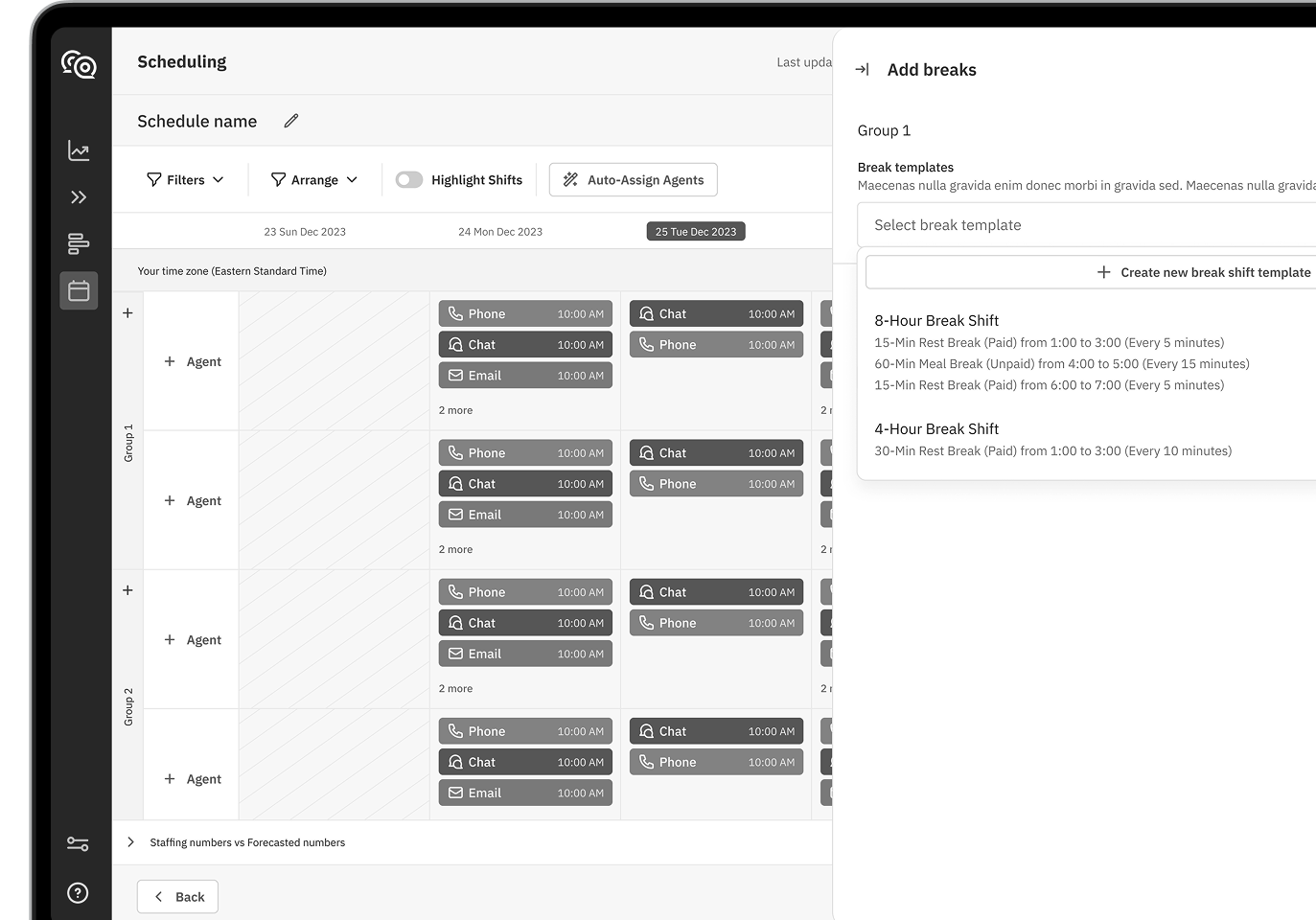
The original scheduling interface is hard to use and understand. It’s difficult to see shifts clearly and navigate overlapping schedules. Limited customization, repetitive icons, and unclear hierarchy lead to errors and hinder efficient schedule management.
Solution
The new UI is clear and super intuitive for even non-technical users. We used color-coded shifts to make everything feel more organized and accessible. It helps users schedule faster, make fewer mistakes, and a responsive design guarantees everything works well on any device.

Schedule optimization
Problem
Managers had to manually adjust shifts, which took a lot of their time because of сhaotic. This was a challenge to reassign, which led to inefficient use of resources and time, impacting productivity.
Solution
Now it automatically redistributes the sick agent's workload among available team members. This ensures efficient coverage, prevents gaps in service, and provides real-time updates with a single click. It streamlines the process, saving time and reducing errors.

Automatic scheduling
Problem
Managers had to manually adjust shifts, which was time-consuming and led to errors. Ensuring proper coverage across multiple channels and shifts often led to inefficiencies, missed requirements, and overscheduling.
Solution
The new Schedule Optimization feature easily reallocates tasks when it is needed, ensuring balanced workloads across the team. It streamlines the process by easy user experience to schedule in real-time, allowing managers to make adjustments without disrupting overall productivity.

Forecasting
Problem
The old forecasting design lacked clarity and detailed data visualization, making it hard for managers to accurately predict staffing needs and workload distribution. Limited insights into historical and future case volumes led to inefficient planning.
Solution
The new design offers clearer, detailed visuals of historical and forecasted case volumes. It breaks down data by hour, day, and month across multiple channels, enabling managers to optimize staffing decisions and efficiently manage workloads.
Technology
Advanced design approaches and tools were employed to create a seamless and intuitive user interface.

Flowbite design system


AUTO-LAYOUTS, COMPONENT DESIGN SYSTEM, CUSTOMIZATION

Components Library
Problem
Inconsistent design elements made navigation confusing and challenging for users. The lack of a standard component library made these issues worse, leading to a disjointed user experience.
Solution
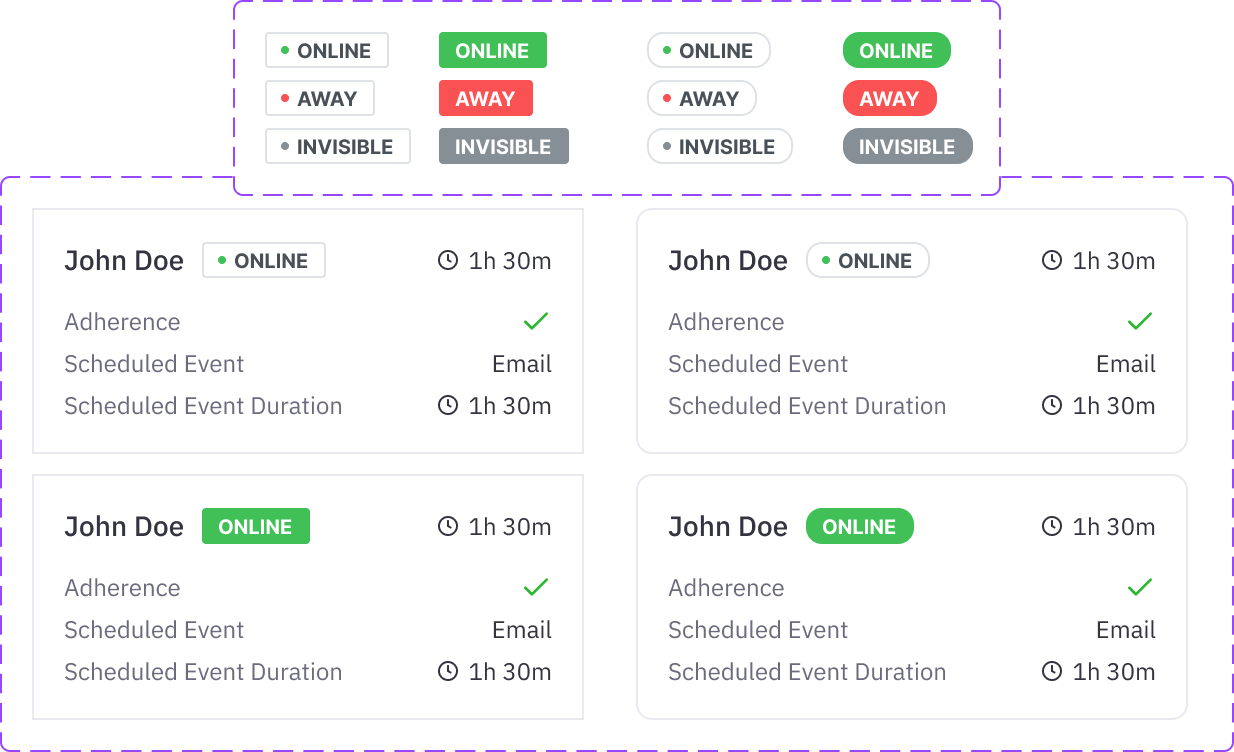
We created a thorough component library to standardize design elements. This ensured a consistent user experience and simplified development by using reusable components, improving both design and functionality.

Problem solving
An effective design process blends creativity with practical needs, focusing on user requirements and iterative feedback to refine functionality and boost satisfaction.
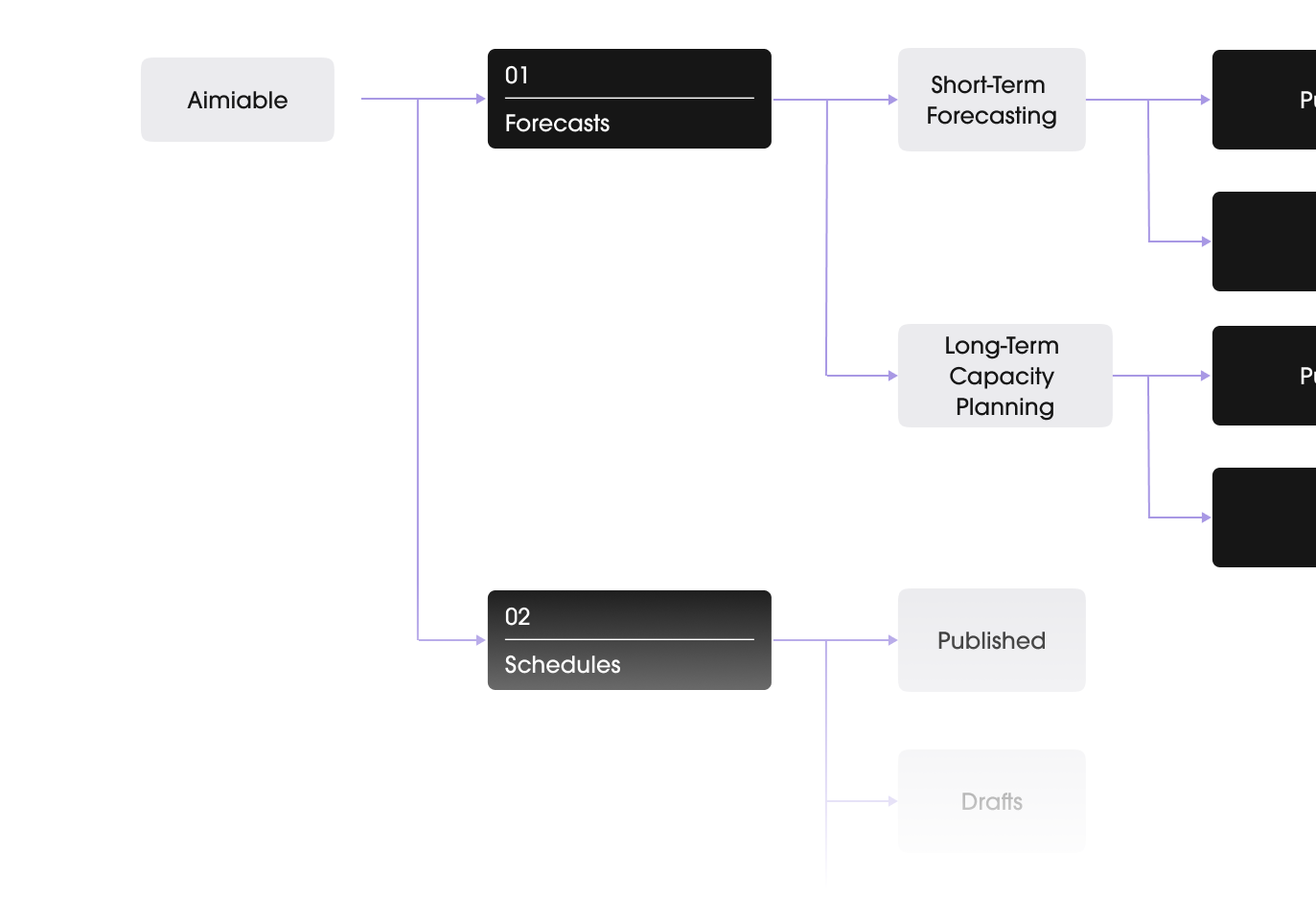
Architecture
Wireframing
Design system
Prototype & Testing
Ready to redesign your product?
A great product is the one designed with the client’s business goals in mind!
Contact us


