Employee Time Tracking Tool
Project details
- Industry
- Workforce productivity (time tracking)
- Product type
- B2B SaaS web app
- Market
- B2B
- Services
- UX/UI design of new features, design system
- Timeline
- 3 weeks to launch
- Team
- Budget
- Results
- Usability score: 90
- +31% new users
- 45+ screens designed
Challenge
UITOP’s Solution
Project Brief
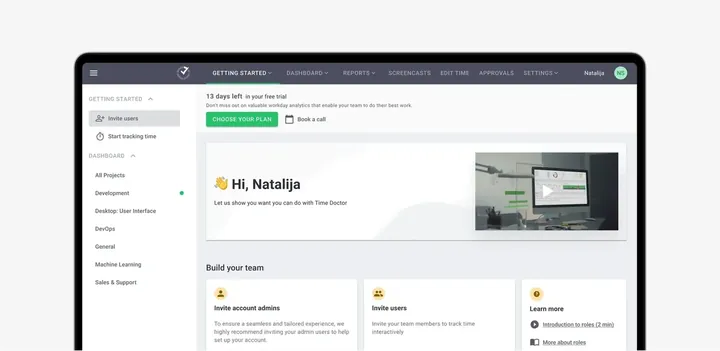
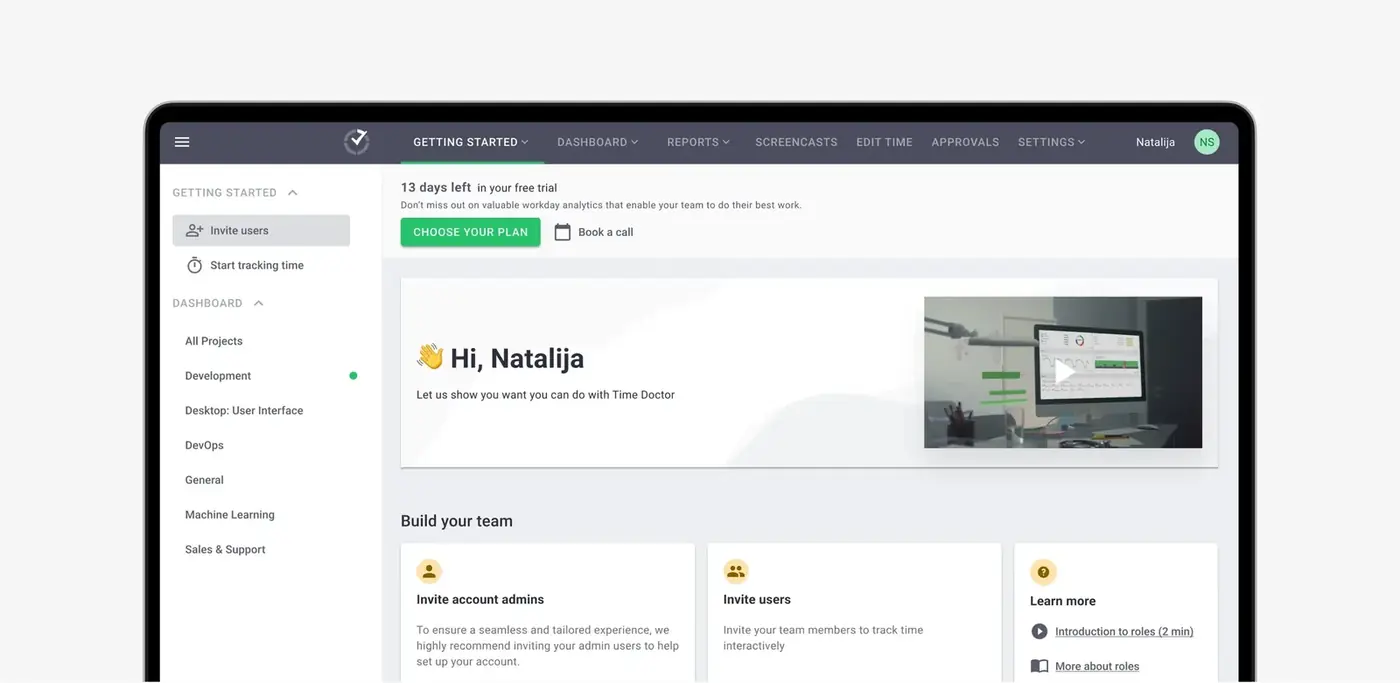
Time Doctor is a tool that helps people keep track of their work time and be more productive. They wanted to make their tool better and add new features without confusing people. The help was a new design. It made the platform easy to use with new features. Our goal was to keep consistency across all such famous platform.
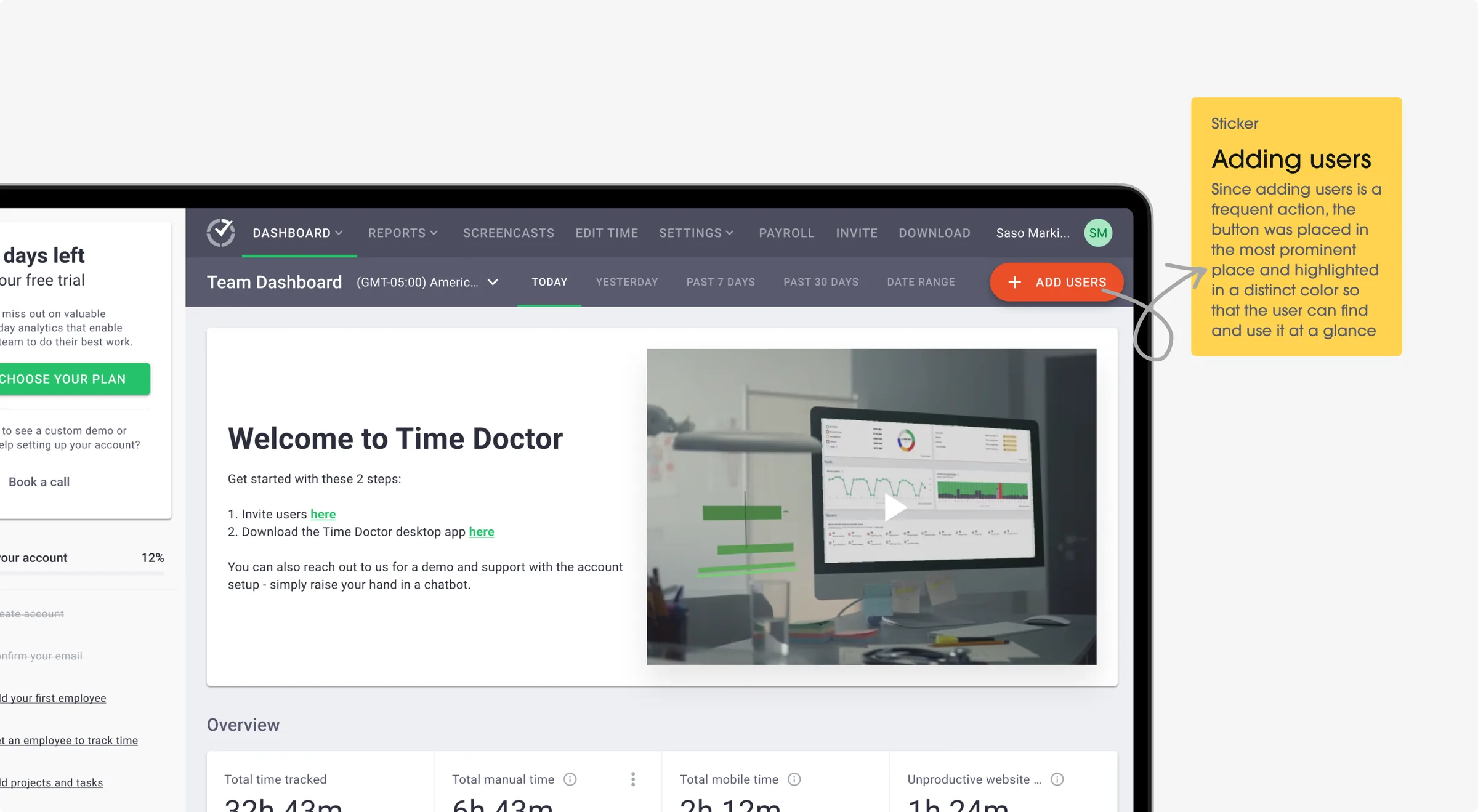
Dashboard
Problem
The old dashboard was messy and confusing. People couldn't find what they needed quickly, leading to frustration.
Solution
Now everything is clear and simple, so users can find what they need without stress. The improved dashboard helps users stay organized and focused on their tasks.
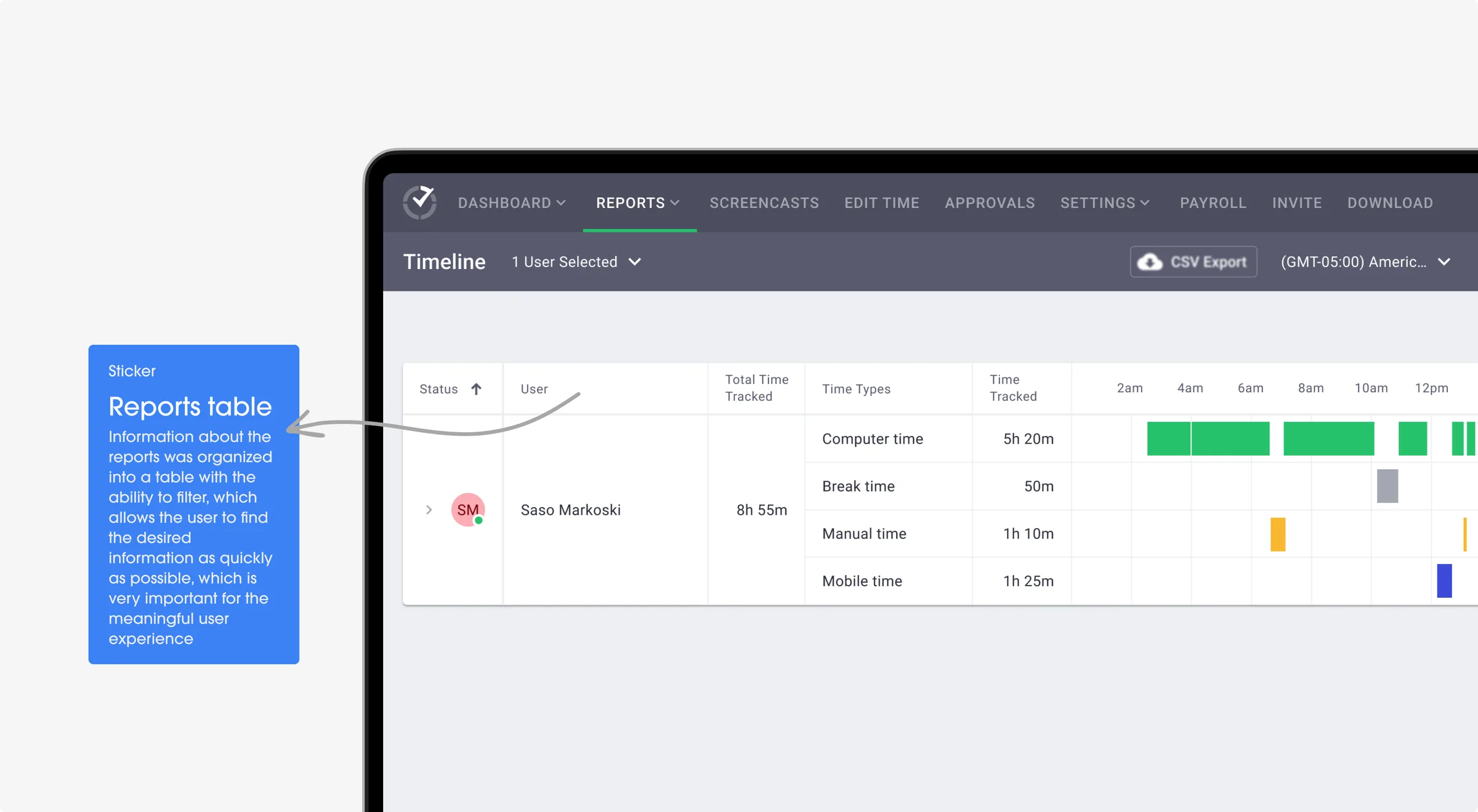
Data Export
Problem
Exporting data was a pain. It was hard to get info out of Time Doctor, causing delays in using users' data for other purposes.
Solution
Export is simple and quick, so users can use their info wherever they want. This makes their work more efficient and less time-consuming.
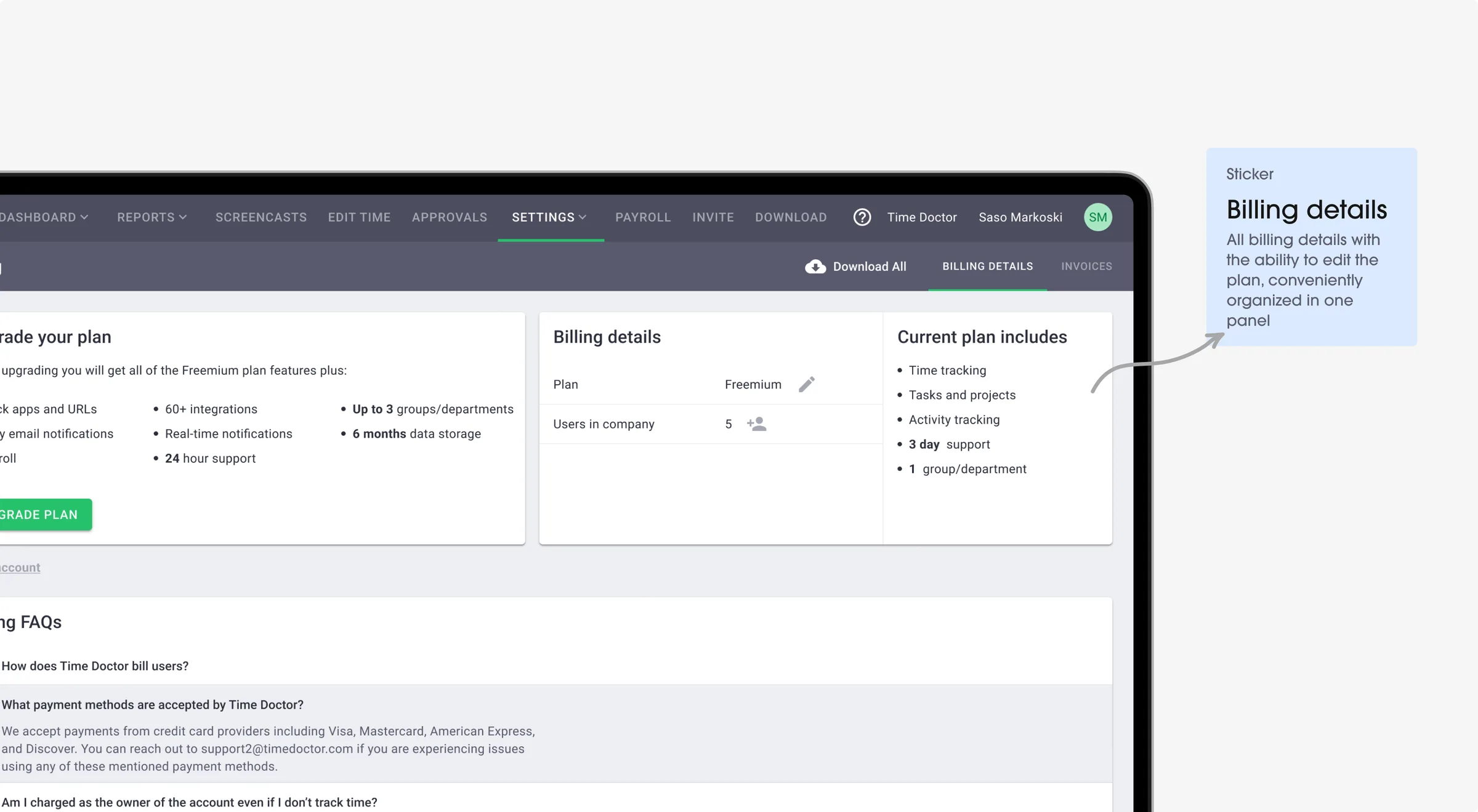
Billing Details
Problem
Managing billing details was tricky. It was easy to make mistakes, which led to payment problems.
Solution
Users can update their billing info without any problems, reducing errors. This ensures a smoother billing process, with fewer complications.
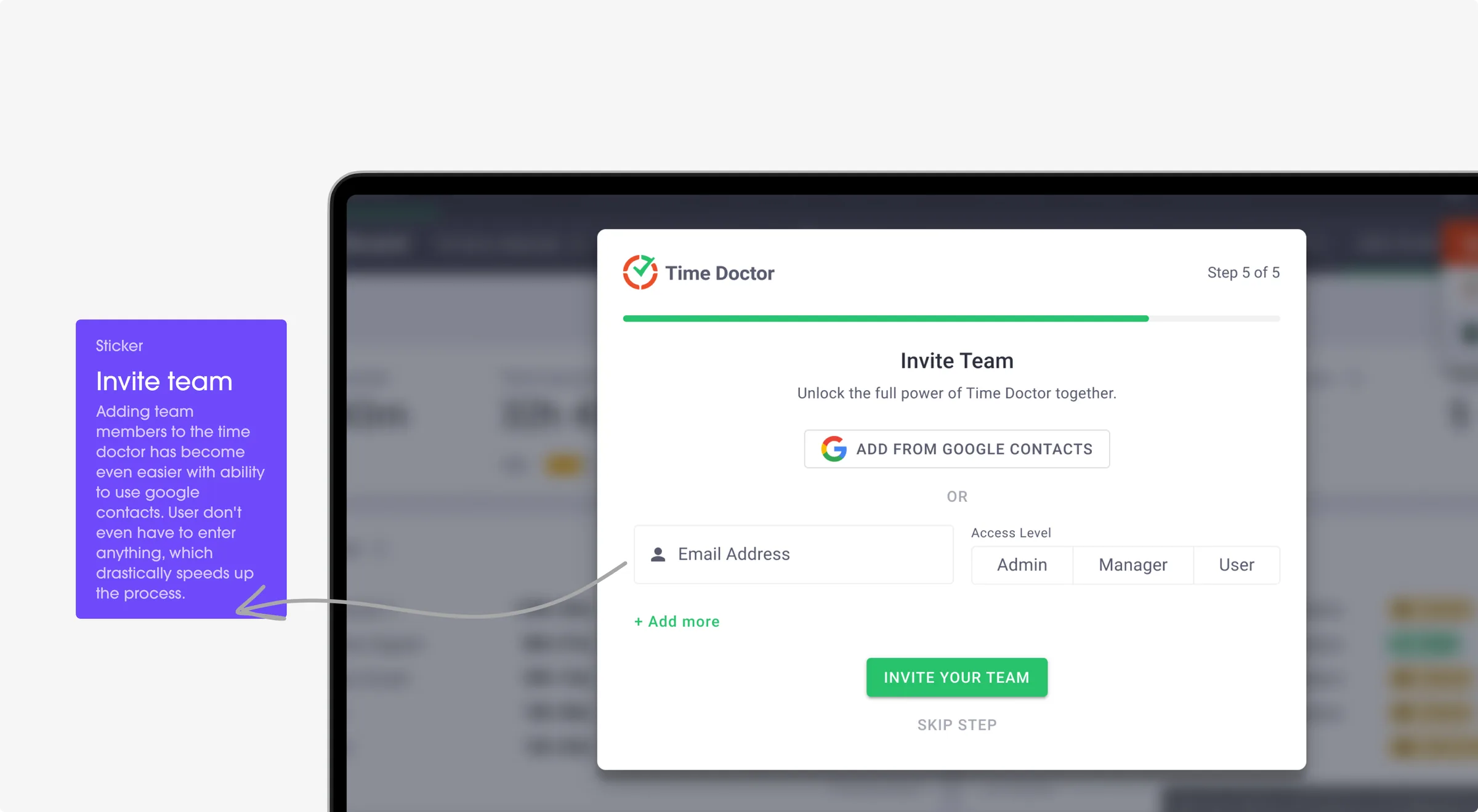
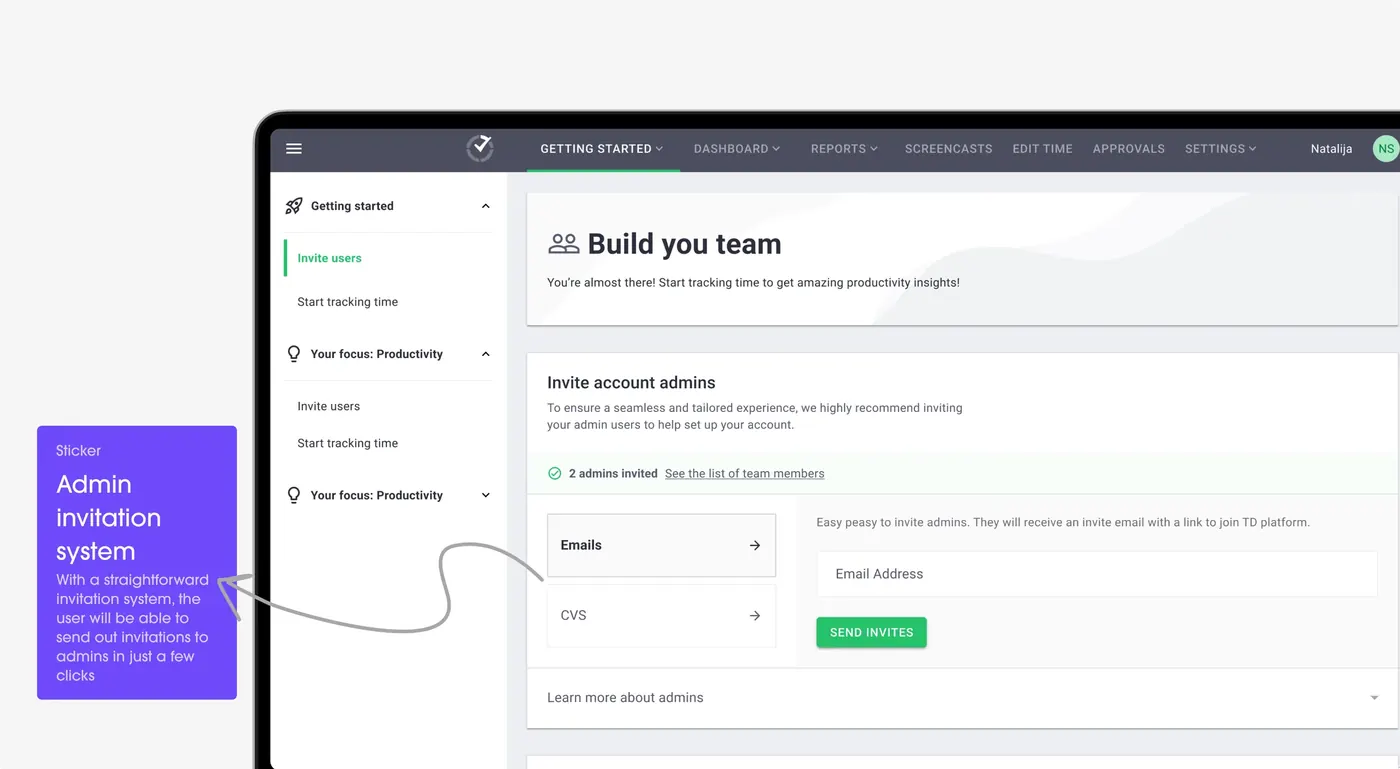
Invite Team
Problem
Tracking the time spent by a team at the workplace was a hard process. This not only took up a lot of time but also made it hard to keep track of and improve productivity efficiently.
Solution
Inviting your team for workplace time tracking via Google has never been easier. You can easily track your team's activities and make sure time is used well.
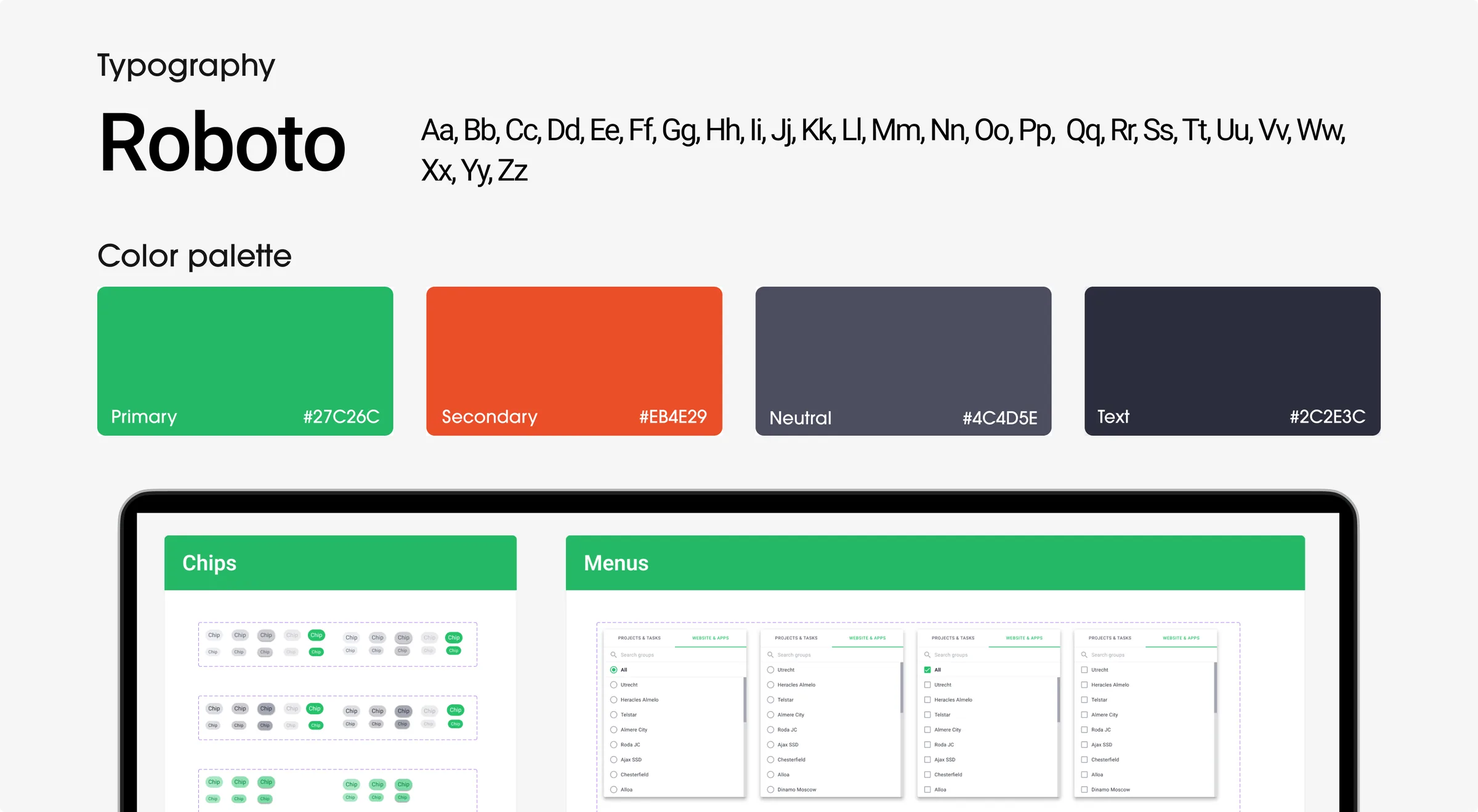
Components Library
Challenge
Time Doctor wanted to add new things to their tool. So we needed to use the same design parts they already had.
Solution
We used their components library with a collection of design elements. So when we added new features, we used these elements to keep everything consistent.
Ready to redesign your product?
Similar cases


Technology
We used specific technology parts to make Time Doctor better and ready for what's coming next updates.

MUI 2
MATERIAL DESIGN 2

Figma
AUTO-LAYOUTS, COMPONENT DESIGN SYSTEM, CUSTOMIZATION
Problem solving
This process is all about making Time Doctor better. We improved the strength of the user interface and made the user experience easier to understand. Everything looks the same but work much better.
Architecture
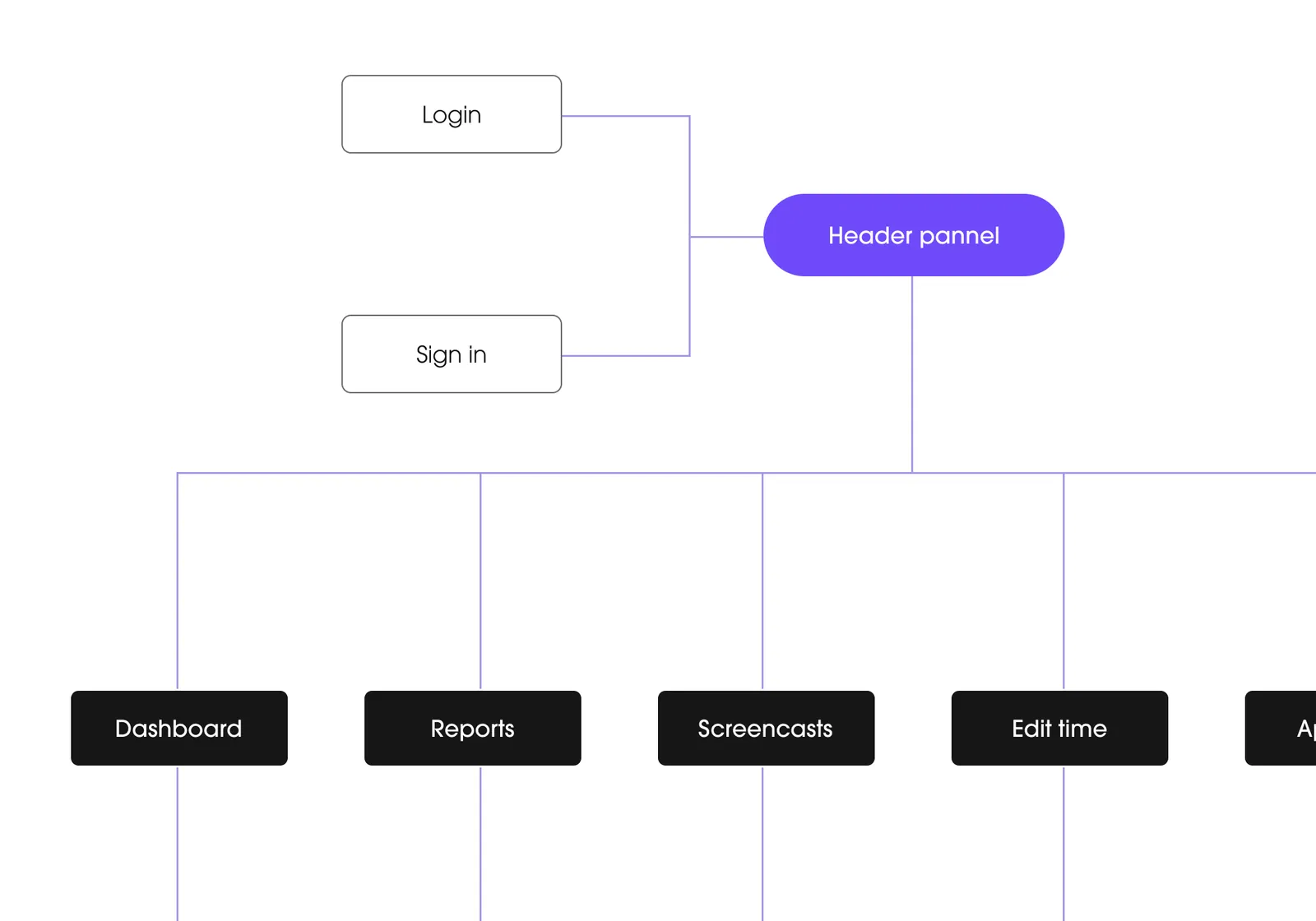
This stage is about strengthening the foundation of Time Doctor's platform. We needed to make a more reliable and scalable structure to support its growing user base. So we improved the underlying architecture to ensure the platform's scalability.
Wireframing
This stage involves redesigning the visual layout of Time Doctor. The goal of wireframing was to improve the interface. Here we got a user-centric interface that makes it easier to navigate the platform.
Design system
This step is about creating consistency with Time Doctor's design elements. It helps to avoid confusion and provide a cohesive visual experience. We used their design system so that all design elements across the platform look and feel the same.
Prototype & Testing
This stage involves experimenting with new ideas and rigorously testing them. We need it to refine the platform's design and functionality. So we conducted testing to ensure that new ideas and features work effectively. The result is an improved user experience.