

















AIHow we use AI in our process Learn moreabout how we use AI in our process

ASSET MANAGEMENT SOFTWARE

Asset Management Software Design and Development Services

Your team needs a reliable record of the assets it owns and who uses them. UITOP provides asset management software development for companies replacing spreadsheets or older tools with a system designed for their operation.

Let’s build your asset system
Asset register and identificationCustody, transfers, and conditionMaintenance and audits

Keep Every Physical Asset
Accounted For

UITOP provides asset management software development for companies replacing spreadsheets or older tools with a system designed for their operation. Each asset record shows its current location, who is responsible for it, and its inspection, repair, and retirement history, and the software can connect to your ERP, procurement, and maintenance systems.

01

Know What You Have And Where It Is

Each asset has its own page with a name or ID and its current location. Your team can see whether the item is available, assigned to someone, or out of service. The page also keeps earlier updates, so staff do not have to search through spreadsheets or messages to find basic information.

02

Manage Custody, Transfers, And Condition

The system records who is responsible for each asset. If the item is given to another person or moved to a new site, staff update the record during the handover. They can also note any damage or change in condition. If an asset later goes missing, your team can see who last received it.

03

Support The Full Operational Lifecycle

The asset record begins when the item is purchased and stays active throughout its use. Staff can schedule an inspection and add the details of a completed repair to the same page. This gives your team a history and shows how often the asset has required service. Once the item is sold or retired, the record is closed but remains available for audits.

Selected Asset Management Metrics

5/5
Clutch rating from 25 reviews
64
Projects delivered
74%
Clients who stay long-term
100%
In-house designers and developers
2 weeks
To a clickable prototype, from €3,200

What Clients Say About
Working With UITOP

5.0
25 reviews
Cole Weiler video review
Play
Cole Weiler

Cole Weiler

CEO, BoltWise

“They took extra time to ensure that our frontend developer could easily implement the wireframes.”

Sam Jordan

Sam Jordan

TrovBase, CEO
USA
Jake Heimark video review
Play
Jake Heimark

Jake Heimark

Costa Security, CEO

“They took way more responsibility than we asked and we were so happy with the results of all their work. UITOP was easy to work with, flexible, and valuable to our company.”

Neil Hosey

Neil Hosey

ResHub, CTO
USA
Dirk Pauw video review
Play
Dirk Pauw

Dirk Pauw

CEO, Tavas

"We are happy with the improved UI/UX, which has made product navigation cleaner, simpler, and more intuitive. The team is great and always there to help."

Michael Mosseri

Michael Mosseri

Total Brokerage, CEO
USA
Dylan Gambardella video review
Play
Dylan Gambardella

Dylan Gambardella

Founder, Different Health

“We’re most impressed with UITOP’s ability to come up with a system to be able to bring design solutions.”

Jordan Girard

Jordan Girard

Whiterock, Founder
USA
Nicolas Endress video review
Play
Nicolas Endress

Nicolas Endress

ClimEase, CEO
Cases

Asset Management Software Case Studies

Examples of our asset, equipment, and operations software work. Each project’s scope and timeline were specific to that client and are not estimates for your system.

Whiterock real estate asset management platform
WHITEROCK

Whiterock Real Estate Asset Management Platform

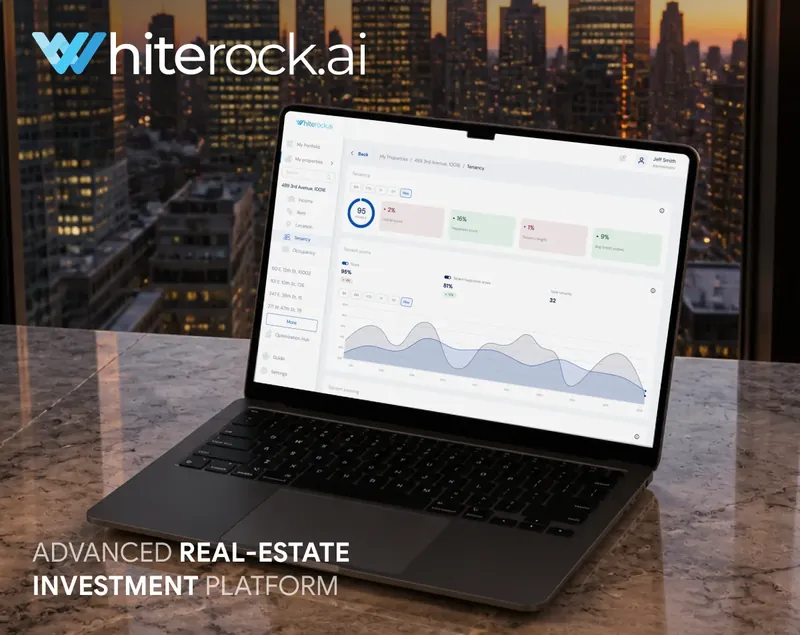
Whiterock brings property investments into one product. Investors can open any property to see its details and recent updates and return to the dashboard for a view of the full portfolio. Lenders and brokers use the same product for their part of the investment process.

UITOP designed more than 315 screens and launched the platform in four months. Its usability score reached 91. New users increased by 36%, and 87% of users stayed with the product.

Explore Whiterock case study
Activate OS heavy equipment management platform
ACTIVATE OS

Activate OS Heavy Equipment Management Platform

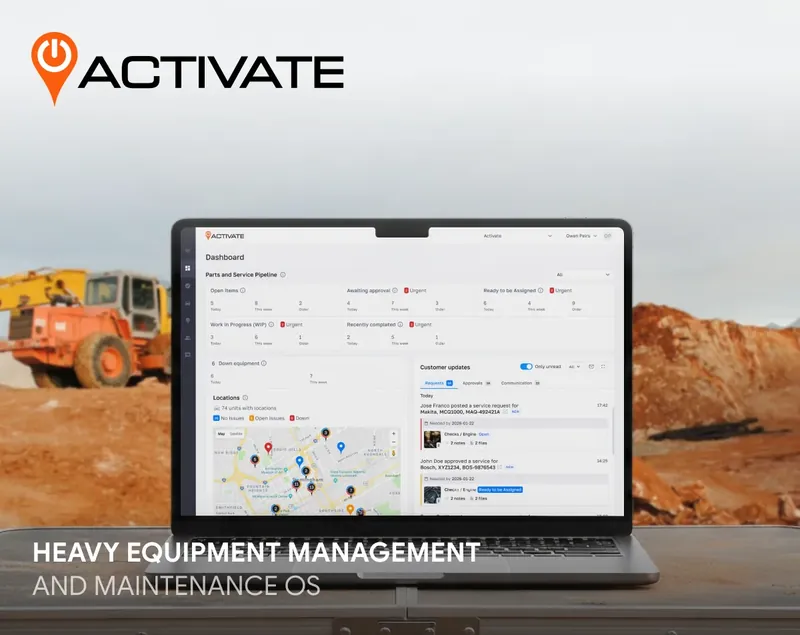
Construction companies use Activate OS to manage their fleets, so the platform has plenty of data to handle and process. Yet, it was not convenient for managers to react to potential downtime promptly, which began to impact business competitiveness and profit.

Our seven-person team has been with Activate OS for three years, starting with a dashboard redesign that made fleet data easier to read and manage. The client has already reported that new releases go out three times faster, and bugs have dropped by 48%.

Explore Activate OS case study
Valocore government contract management platform
VALOCORE

Valocore Government Contract Management Platform

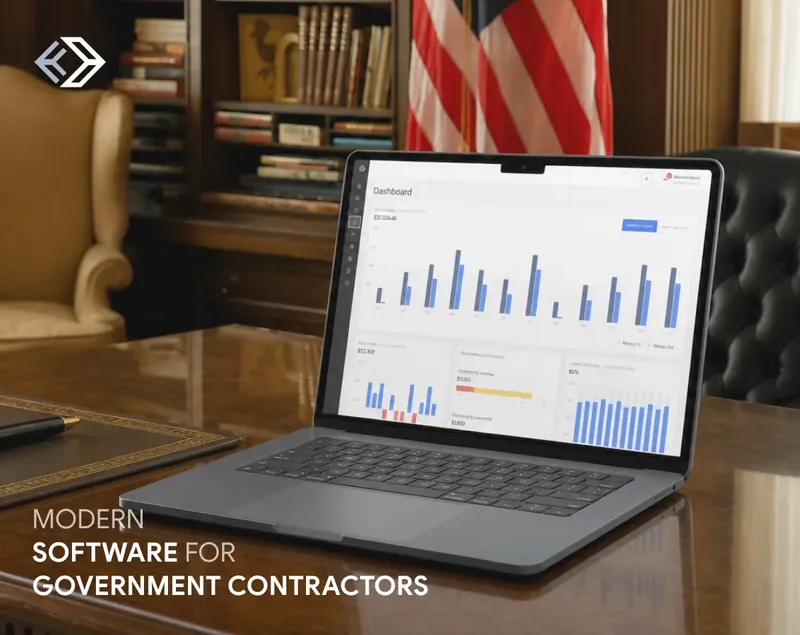
Valocore replaces the paperwork government contractors used to manage deals and payments. Each contract has one place for its financial records, so teams can see what has been billed and what is still due.

UITOP designed and developed six modules covering contract finances from billing through payment. The product follows federal compliance rules, and audit-ready reports take one click to export. Invoice approval and payment now move twice as fast, with zero expired deals or missed deadlines reported.

Explore Valocore case study

Need better control of physical assets and equipment?

Our team can modernize your current asset system or develop a new one.

Contact us
WHY UITOP

Why Companies Choose UITOP For Asset Management Software

01

Asset Rules Mapped Before Features

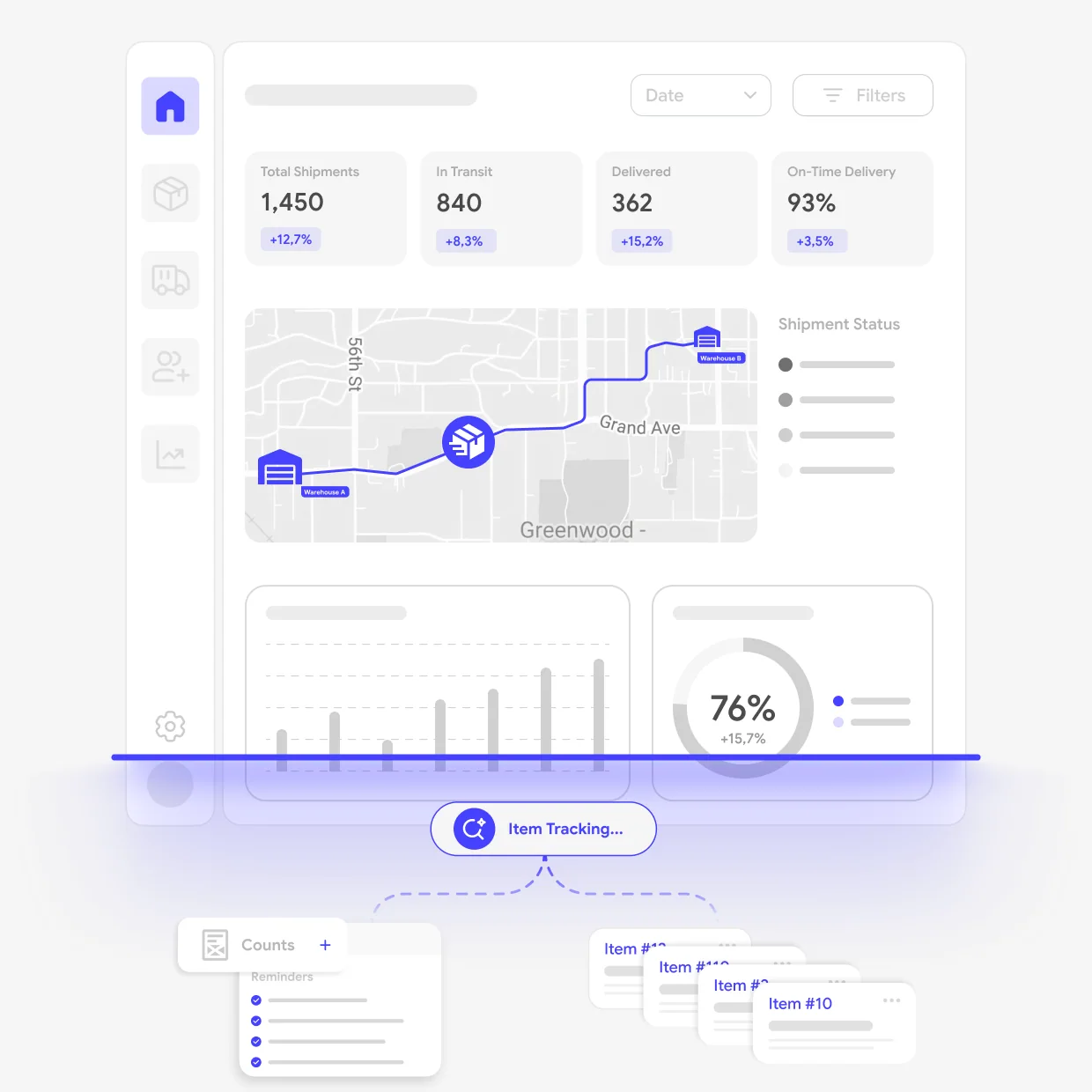
Our goal is to make the custom asset management software reflect your asset rules. Some items stay assigned to one team, while others move between sites. We ask who approves a transfer and how staff report missing equipment. These answers go directly into the product design.
02

UX For Office, Field, And Operations Teams

Clients choose UITOP because we think about the people using the product in different settings. Office staff may want the full asset history, while a field technician needs a quick update from a phone. We design each screen for the particular situation and test whether the flow was developed correctly.

03

A Product Connected To Your Business Systems

You probably already store some asset information in other asset lifecycle management software. The ERP may hold its cost, while maintenance records stay somewhere else. Our job is to connect these details to the right asset. Together, we decide which system updates the record and how new information is shared.

Our Asset Management
Software Services

Asset Register And Identification

Asset Categories And Custom Fields

A useful asset register shows the right details for each type of equipment. Vehicles may include mileage, while office devices use different fields. UITOP organizes these categories with your team and adds options for items managed in groups. New fields can be introduced later as your process changes.

QR, Barcode, And RFID Identification

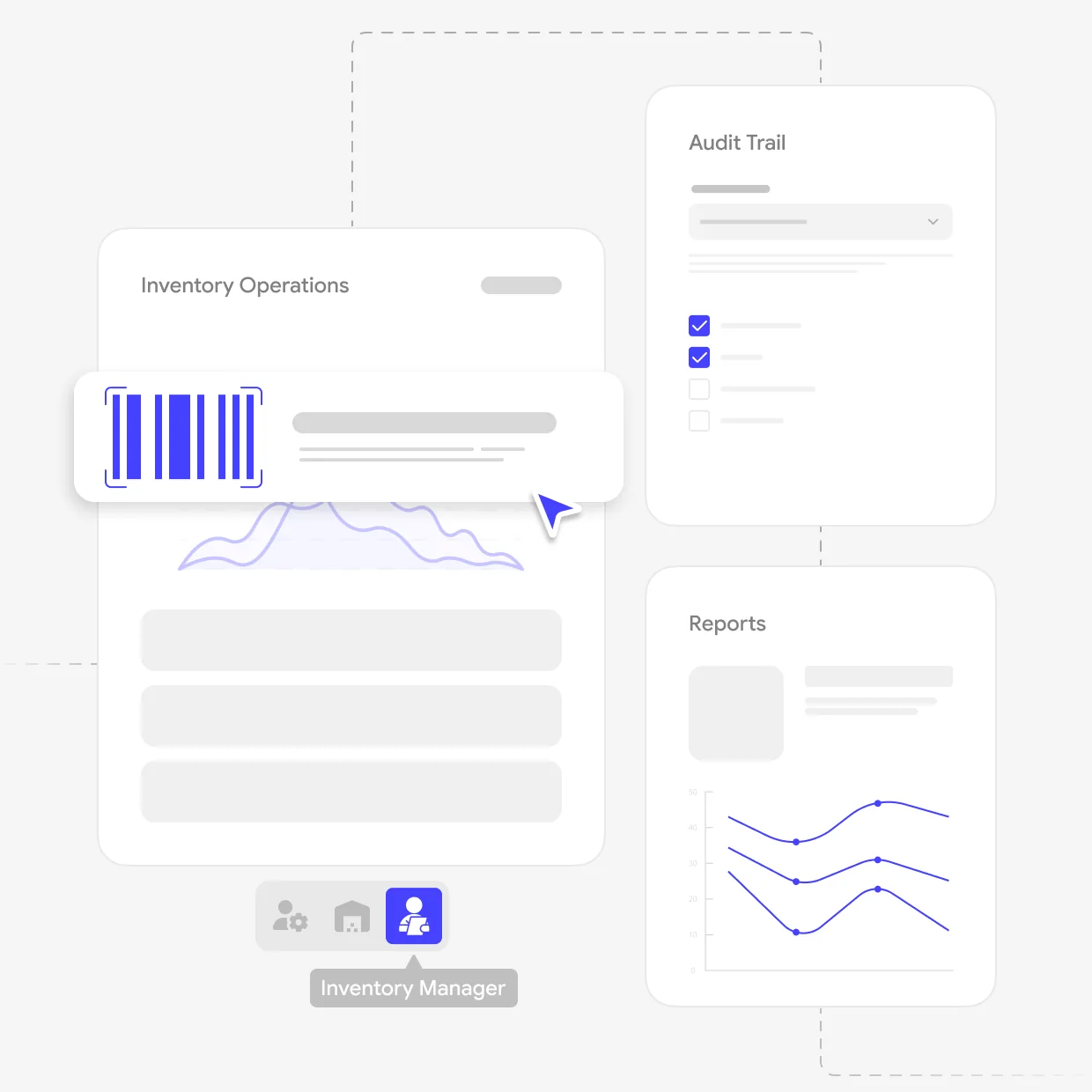
Scanning a code opens the asset record staff are looking for. Our team designs this flow for the phones or scanners your company uses, including a simple way to report unreadable labels. If RFID is part of the project, we connect it to the same records and set the available actions for each user role.

Documents, Warranties, And Asset History

Manuals, purchase files, and warranty details can stay directly on the asset page. UITOP arranges this information so staff can quickly tell whether a repair is covered. Photos and status updates are saved in the same history, including who made each change. Thanks to this, your team spends less time searching through separate folders.

Asset Register And IdentificationAsset Register And Identification

Location, Custody, And Movement

Assignments And Check-In Or Check-Out

Each assignment shows who currently has the equipment. We create a simple handover flow where employees confirm receipt and record the return. If an item is damaged or missing, managers can open its history and identify the last person responsible. Employees can also see which assets are assigned to them.

Transfers Between Sites And Teams

Equipment transfers often involve people at both locations. UITOP puts the request and approval in one record, together with any shipping details. Once the receiving team confirms delivery, the location changes automatically and the transfer is closed. Both sites can follow its current status.

Roles, Approvals, And Audit Trail

Permissions decide which records a person can open or edit. Our team sets them according to the responsibilities of each role and adds approval to the areas where your company requires more control. Every update remains in the asset history with the person’s name and date.

Location, Custody, And MovementLocation, Custody, And Movement

Lifecycle, Maintenance, And Audits

Condition And Inspection Workflows

Inspection forms should suit the equipment being reviewed. UITOP prepares the questions with your team and adds photo uploads where damage must be documented. Repairs can be assigned from this record and remain open until completed. The asset page also shows the next inspection date and previous reports.

Maintenance And Work Order Integration

Maintenance may begin with a scheduled service or a fault reported by an employee. We connect every job to its assets, so technicians can see earlier repairs and upcoming work. If your company already uses work order software, our enterprise asset management software development company can connect the systems and add completed service details to the asset history.

Asset Audits, Retirement, And Disposal

During an audit, staff confirm that each asset exists and is recorded at the correct site. Missing items or incorrect records are sent to the right person for review. UITOP also creates the retirement process for sold or unusable equipment, including the final reason. These records remain available when your team needs them later.

Lifecycle, Maintenance, And AuditsLifecycle, Maintenance, And Audits
ASSET LIFECYCLE

One Asset Record Throughout Its Lifecycle

An asset record should stay useful from the day an item is added until it leaves the company. UITOP connects every update to this record. Thus, your team can see its current location, who is responsible for it, and what has changed.

01

Register and Assign the Asset

The record begins with the details your team uses to identify the item. Once it is assigned, the responsible employee or department appears on the same page. We adapt this process to your rules, including any confirmation or manager approval your company uses.

02

Record Transfers, Inspections, and Maintenance

A new site or employee can be added directly to the existing record, so the asset history does not become fragmented. Inspection notes and maintenance work remain there too. This helps staff understand the item’s condition and see whether an open repair affects its use.

03

Retire the Asset With Its History Intact

When equipment is sold or removed from use, UITOP adds a retirement step that records the date and reason. The item is no longer shown as active, but its history remains available for audits or internal questions. At the same time, your team still has the full record if they return to it later.

HOW WE WORK

Our Asset Management Software Development Process

Six steps, from asset mapping to a growing system.

  1. Map Assets and Operational Processes

    Asset types, locations, users, and transfer tools

    The project begins with how your company manages equipment currently. Our team reviews asset types and locations and discusses who uses each item. We also discover how assets are transferred and which tools support this.

  2. Define Data and Product Scope

    Asset record contents and first-release modules

    Next, we decide what each asset record must contain and how items will be identified. This helps you choose the modules for the first release. Any links with your current business software are included in the scope as well.

  3. Design Critical Workflows

    A prototype for registering, scanning, and transfers

    UITOP designs the screens for registering and finding assets. Scanning and transfers are covered in the same prototype, so your team can try the main functions. We revise any parts that take too much time.

  4. Build and Integrate

    Approved modules connected to in-scope software

    Asset management system development follows the screens and features approved with your team. As each module takes form, we connect it with the business software included in the scope. Regular demos give you a chance to review progress and raise concerns.

  5. Validate Data and Launch

    Tested records, permissions, and a first-user release

    Sample records help us confirm that asset details transfer correctly into the new software. We also test permissions and identification methods with your team. Once the main tasks are ready, the product can be released to its first users.

  6. Extend the Asset Lifecycle

    New asset types, locations, features, and connections

    New asset types or locations may be added as your company develops. UITOP can update the software with maintenance features or reports that support this growth. On top of that, we can also connect more business tools when they become part of your asset process.

Technologies And Delivery Practices For Asset Management Development

UITOP uses current design and development tools that suit the product your company plans to launch. We choose them based on the required features and the software your asset platform will connect to. Your security rules and plans for future updates also influence this choice.

Asset software built for your team

Connect asset tracking, transfers, and maintenance in one system designed for your team.

Contact us
BEFORE YOU BUILD

Plan your asset management system.

Practical answers to the decisions that shape asset management software.

Questions and answers

Frequently asked questions

What Types of Physical Assets Can Custom Software Manage?

The software can manage almost any physical item your company owns or uses. This may include equipment and tools, as well as furniture or company devices. Each asset type can have its own fields because a vehicle and a phone do not share the same details. UITOP sets up these records to match your process. Shared equipment can be assigned to a team, while personal devices can be linked to one employee.

How Is Asset Management Software Different From Inventory Management Software?

Asset software follows individual items during their useful life. It shows who has each item, its current condition, and previous repairs. Inventory management software focuses more on how much stock is available and when it should be replenished. The two systems can overlap. UITOP can help you decide whether one product can cover both areas or whether separate software would make daily work easier for your teams.

Can the System Support QR Codes, Barcodes, or RFID?

Yes, but the right option depends on how your team identifies equipment. QR codes and barcodes can usually be scanned with phones or handheld devices. RFID uses tags and readers, so your existing hardware matters. UITOP designs the screens used for scanning and connects each code to the correct asset record. We confirm the identification method during discovery, then include the related devices and connections in the project scope.

Can Maintenance and Repair Workflows Be Included?

Yes. Staff can report a fault from the asset record and send it for repair. The system can also show planned maintenance and store completed work in the item’s history. Our team adjusts these features to the way your company handles service. A simple setup may only record damage and repair dates. If your technicians already use maintenance software, we can discuss connecting it to the asset platform.

What Determines the Timeline and Cost of Asset Management Software?

Cost and timing depend on how much software your company wants to develop. The number of asset types and locations matters, as does the amount of data that must be transferred. Scanning features or connections with other systems add more work. We are here to review these details with you during discovery and prepare an estimate based on the agreed scope.

Can Asset Management Software Integrate With ERP and Procurement Systems?

Yes, when the other software allows data exchange. Procurement software can send purchase details when your company buys a new asset. An ERP may provide employee records or location information. UITOP first confirms which systems you use and what data should pass between them. We then plan the connection and decide how updates will be handled. This helps avoid entering the same information manually in several products.