

















AIHow we use AI in our process Learn moreabout how we use AI in our process

APPS FOR SMART DEVICES & EQUIPMENT

Companion App Design and Development for Connected Devices

Your hardware is only as good as the app that sets it up and shows what it does. We design and build companion apps for connected devices, fitness equipment and wearables: setup and pairing, device control, sessions and progress, and the operator dashboards behind them. We design and build the app side; device and firmware integration is scoped with your hardware team.

Let’s build your product
Pairing & setup UXDevice control & syncApp + cloud + dashboard

Companion App Development
for Devices People Use Every Day

UITOP’s companion app development service covers the software side of a connected product: device onboarding and pairing, control and status screens, session data and progress, cloud sync, and operator or clinic dashboards, for iOS, Android and web. It is for hardware brands and startups whose device needs an app consumers find simple from the first setup. We design and build the app side; device and firmware integration is scoped with your hardware team.

01

Setup is the first review

If pairing fails, users blame the device. We design the first five minutes with retries, clear states and plain language.

02

Show what the device is doing

Live status, session timers and results make an invisible product visible and worth paying for.

03

One system, three surfaces

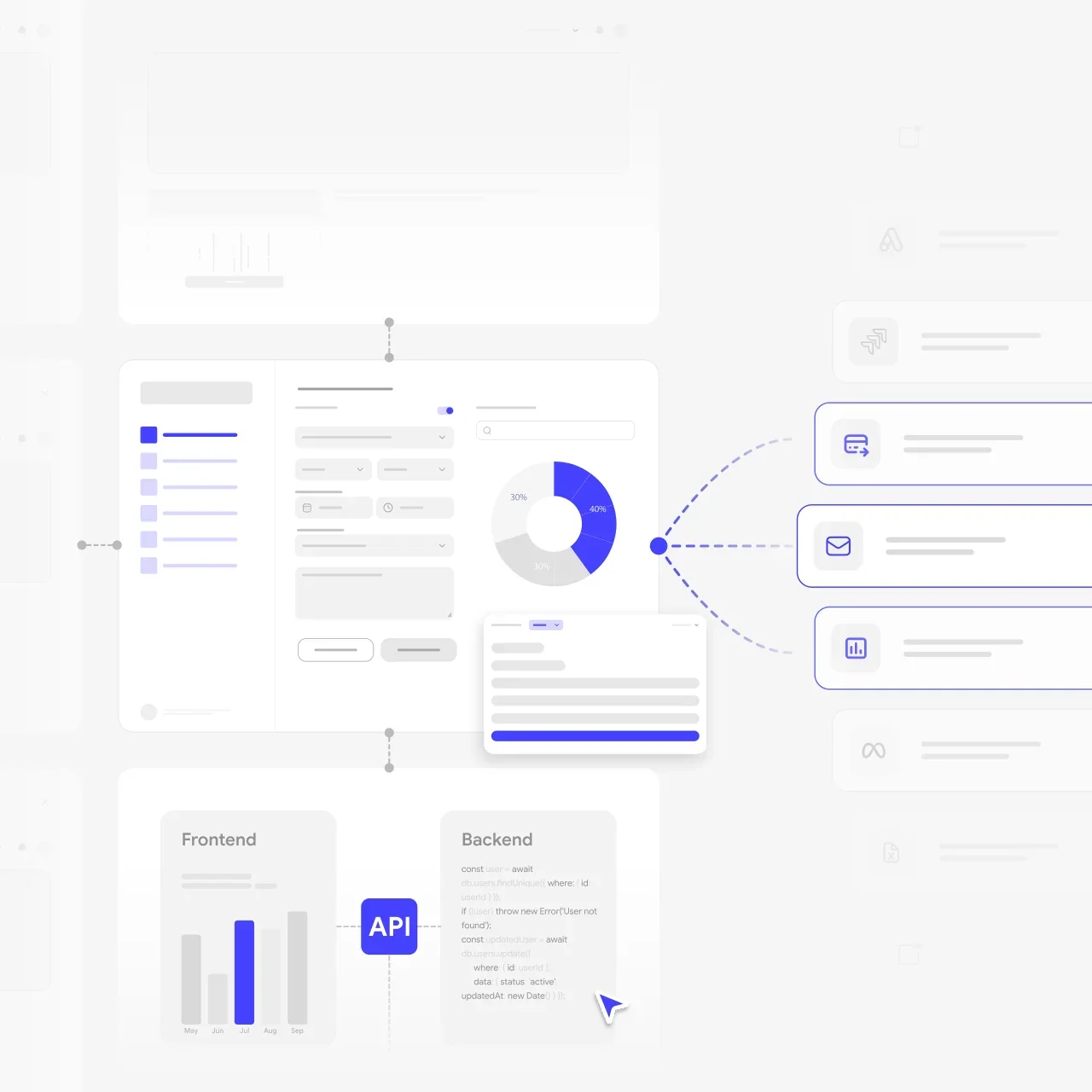
The consumer app, cloud and staff or operator dashboard are designed together, so the data means the same thing everywhere.

Selected Metrics that
Reflect Our Product Delivery Experience

5/5
Clutch rating from 25 reviews
64
Projects delivered
74%
Clients who stay long-term
100%
In-house designers and developers
2 weeks
To a clickable prototype, from €3,200

What Clients Say About
UITOP’s
Product Delivery

5.0
25 reviews
Cole Weiler video review
Play
Cole Weiler

Cole Weiler

CEO, BoltWise

“They took extra time to ensure that our frontend developer could easily implement the wireframes.”

Sam Jordan

Sam Jordan

TrovBase, CEO
USA
Jake Heimark video review
Play
Jake Heimark

Jake Heimark

Costa Security, CEO

“They took way more responsibility than we asked and we were so happy with the results of all their work. UITOP was easy to work with, flexible, and valuable to our company.”

Neil Hosey

Neil Hosey

ResHub, CTO
USA
Dirk Pauw video review
Play
Dirk Pauw

Dirk Pauw

CEO, Tavas

"We are happy with the improved UI/UX, which has made product navigation cleaner, simpler, and more intuitive. The team is great and always there to help."

Michael Mosseri

Michael Mosseri

Total Brokerage, CEO
USA
Dylan Gambardella video review
Play
Dylan Gambardella

Dylan Gambardella

Founder, Different Health

“We’re most impressed with UITOP’s ability to come up with a system to be able to bring design solutions.”

Jordan Girard

Jordan Girard

Whiterock, Founder
USA
Nicolas Endress video review
Play
Nicolas Endress

Nicolas Endress

ClimEase, CEO
Cases

Device-Connected Product Cases

These are design-led projects: we designed the apps and platforms around our clients’ devices, while device hardware and firmware stayed with their teams. That is how we work on companion apps too: we design and build the app side; device and firmware integration is scoped with your hardware team.

ReLounge connected back-training app case study by UITOP
RELOUNGE

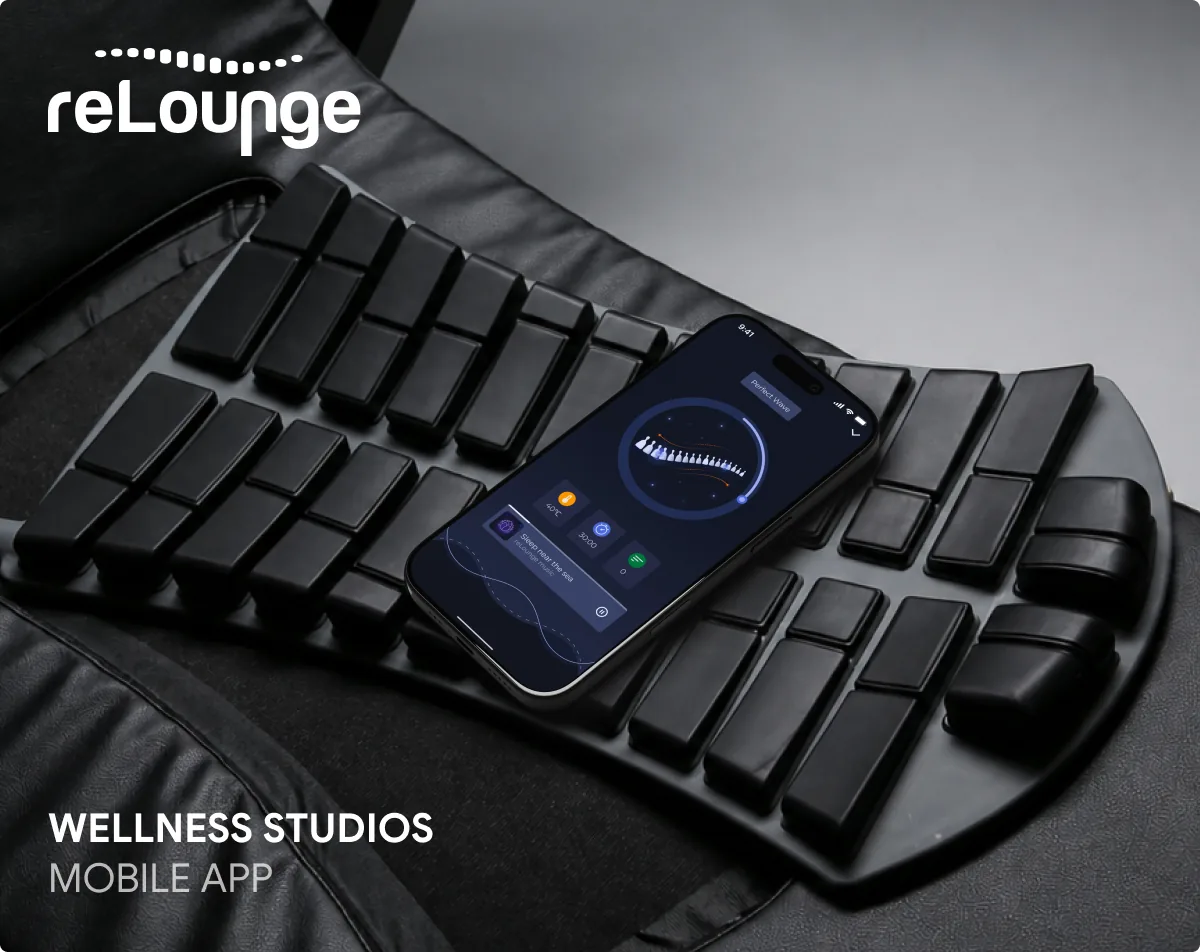
Consumer app for connected back-training equipment

ReLounge’s mobile app connects to back-training equipment. We designed the device functions, the session countdown timer, results, goals and meditation, so users always see what the device is doing and why it matters.

Explore ReLounge app case study
ReLounge IoT clinic platform case study by UITOP
RELOUNGE PLATFORM

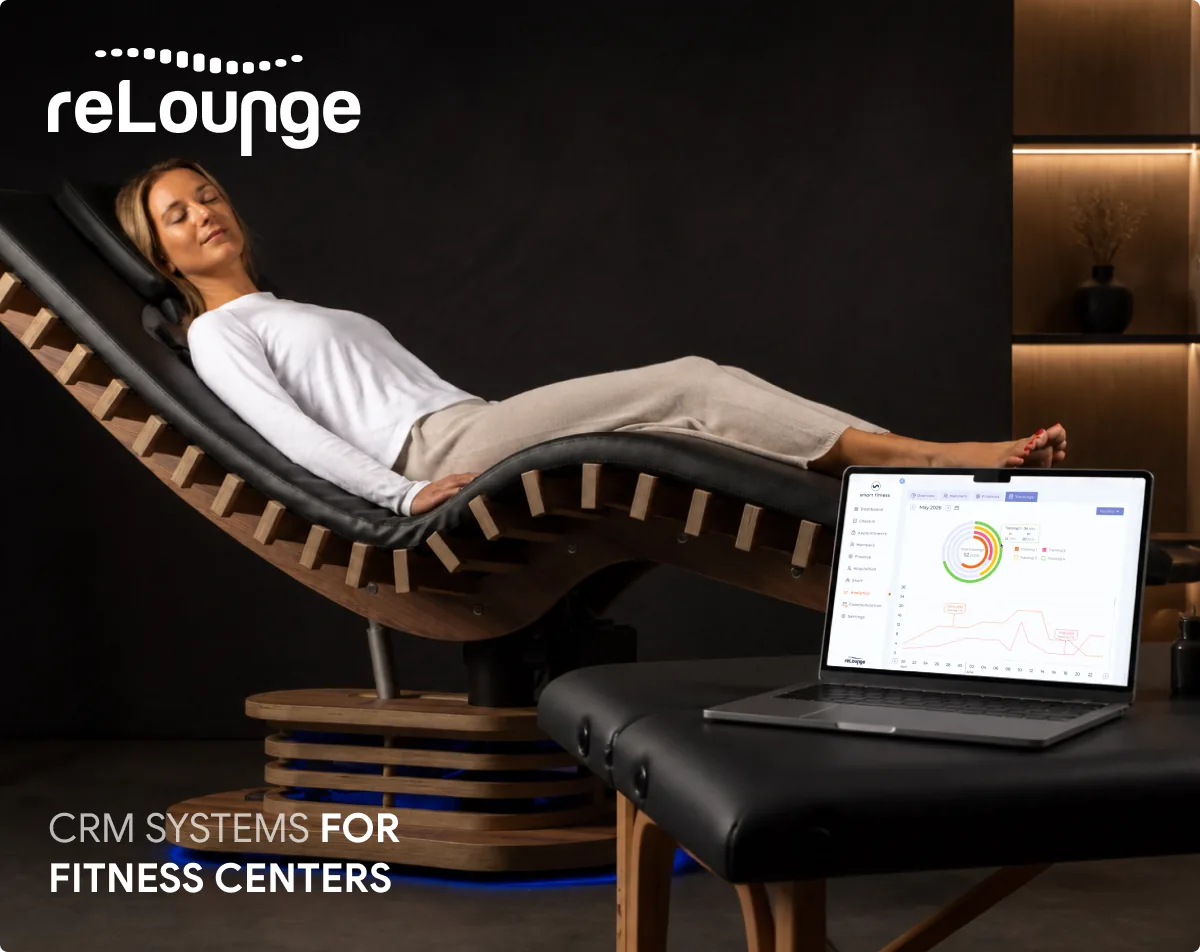
Clinic platform with IoT-connected equipment

ReLounge’s platform for back-health centers brings patient management, appointment scheduling, therapists and connected equipment into one workspace. We designed the full UI/UX, so staff monitor devices without switching between screens.

Explore ReLounge platform case study
Rotimatic bakery devices platform case study by UITOP
ROTIMATIC

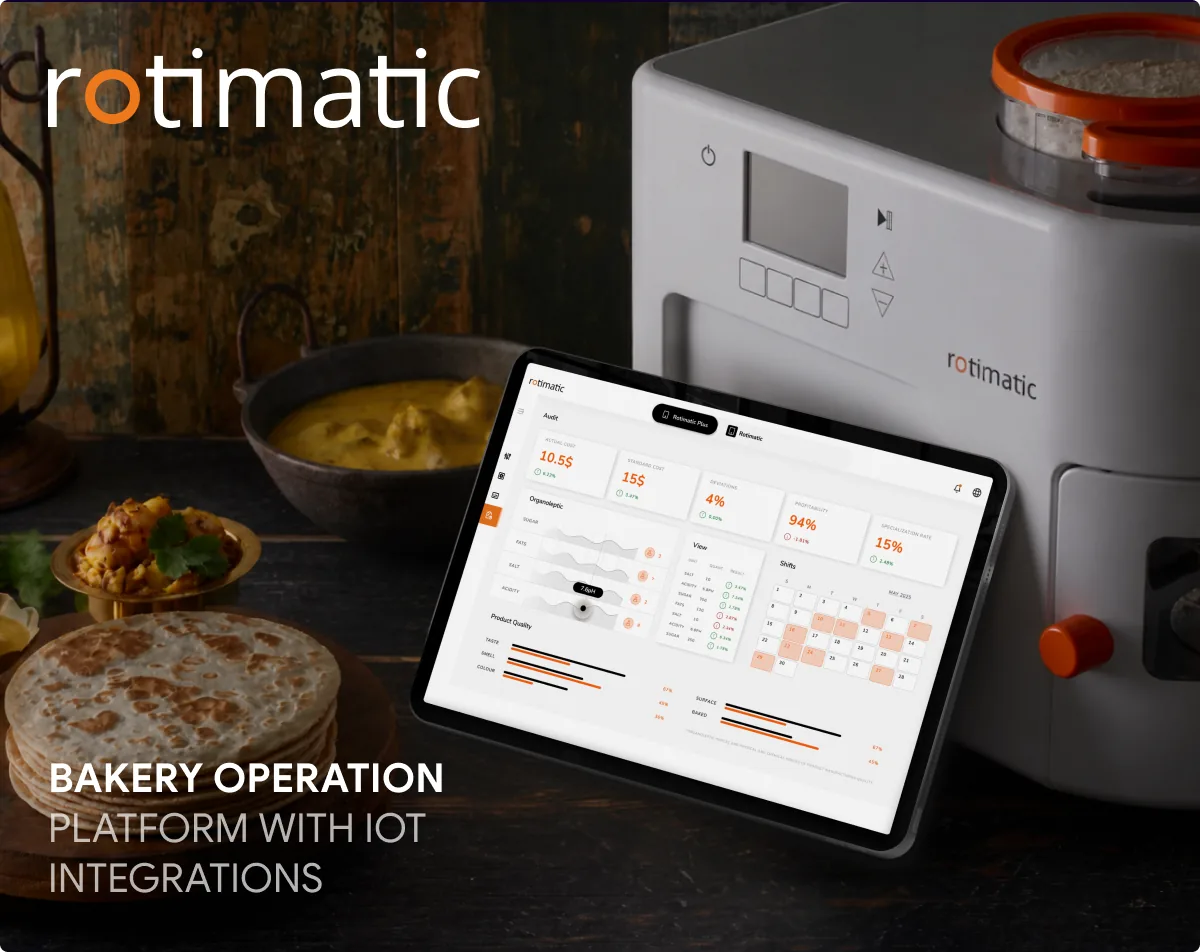
One interface for many bakery devices

Rotimatic helps bakery producers run ovens, mixers and other machines from one platform. We designed a single control and monitoring interface that replaced each device’s own confusing controls and reduced mistakes.

Explore Rotimatic case study

Does your device need an app users find simple from setup?

Let's map the device journey and agree the app-to-firmware boundary with your hardware team.

Contact us
WHY UITOP

Why Hardware Teams Choose UITOP for Companion Apps

01

Device-connected products in our portfolio

ReLounge connects a mobile app and a clinic platform to back-training equipment. Rotimatic puts control of multiple bakery devices into one interface. Both case studies are public, and we can walk you through the design decisions behind them.
02

Consumer and operator sides together

For ReLounge we designed both the consumer app and the IoT-connected platform for back-health centers, so we know how one device’s data has to serve two audiences without contradicting itself.

03

UX-first for physical products

Timers, states and feedback are designed for people in motion, not at a desk: readable at arm’s length, forgiving of interruptions and clear about what the device is doing right now.

04

One in-house team

Our designers and engineers work in one flow and plug into your hardware team’s rhythm, so app milestones, test devices and release dates line up with the device roadmap.

05

Honest scope

We don’t design circuits or write firmware. We design and build the app side, and device and firmware integration is scoped with your hardware team, so everyone knows where the boundary sits before work starts.

06

Published pricing

A prototype starts at €3,200, specialists start at €3,200 per four weeks, and you get an initial estimate within one business day. Scope and responsibilities are agreed in writing before any build work.

What Our Companion App Development Services Include

Discovery

Device and user journey mapping

Unboxing to daily use, including what happens when connectivity drops.

Technical scoping with your hardware team

Protocols, data model, update paths and responsibilities. Firmware stays with your hardware team.

Release plan

First release, test devices and estimate.

Discovery

UX/UI

Onboarding and pairing flows

Permission requests, pairing, error recovery and account linking.

Control and live-session screens

Device functions, timers and feedback that are readable at arm’s length.

Progress and insights

History, charts and goals that turn sensor data into motivation.

UX/UI

App Engineering

Mobile apps

iOS and Android, native or cross-platform. We design the Bluetooth pairing, background and reconnection flows; the device-communication layer is built with your hardware or engineering team against the interface agreed in scoping.

Cloud and sync

Backend, user accounts, data storage and offline-tolerant sync.

Health and platform integrations

HealthKit and Health Connect when device data should appear in users’ health apps.

App Engineering

Operations & Growth

Operator and clinic dashboards

Fleet status, users and sessions for businesses that run your devices.

Testing with real devices

QA across phones, OS versions and device states, using test units from your team.

Post-launch releases

OS updates, new device models and features.

Operations & Growth
HOW WE WORK

Our Companion App Development Process

Six steps, from unboxing to a supported release.

  1. Map the device journey

    Unboxing-to-daily-use map and data model

    We walk through the product as a customer would: unboxing, first setup, daily use, lost connections and updates. The result is a journey map, the data the app needs from the device, and the moments where users are most likely to give up.

  2. Scope with the hardware team

    Responsibilities, protocols and estimate

    Together with your hardware and firmware team we agree the interface between device and app: data formats, commands, error states and update behavior. You get a written split of responsibilities, a first-release scope and an estimate, so both teams can work in parallel.

  3. Prototype the setup and session

    Clickable prototype of pairing and core use

    We prototype pairing, permissions and the main session, including the failure cases, at 1 week per clickable flow, and test them with target users. Unclear permission requests and silent pairing errors surface here instead of in your store reviews.

    Further reading: How to design a prototype

  4. Design & build

    App, cloud and dashboard in sprints

    Design and engineering run in the same sprints for the mobile app, cloud backend and operator dashboard. Device-facing features are built together with your hardware or engineering team against the agreed interface and verified on your team’s test units as they become available.

  5. Test with real hardware

    QA across devices and connection states

    We test on the phones and OS versions your customers use, including weak connections, interrupted sessions, denied permissions and battery-saving modes. Device-specific issues are triaged jointly with your hardware team before each release.

  6. Launch & support

    Store release, monitoring and update plan

    We prepare store submissions, permission explanations and privacy disclosures, release the app, and monitor crashes and connection errors after launch. New device models, OS releases and features follow a release plan aligned with your hardware roadmap.

Our Value

Technologies, Tools, and Practices
We Use for Companion Apps

We choose native or cross-platform mobile stacks per device and pair them with proven tooling for cloud sync, analytics and AI-assisted delivery. Device protocols and firmware interfaces are agreed with your hardware team, and every choice is weighed against background behavior, battery use and long-term maintenance.

Let’s design and build the app side of your connected product

Share your device brief and get an initial estimate within one business day.

Contact us
BEFORE YOU BUILD

Plan your companion app.

Practical answers to the decisions that shape an app for a connected device.

RELATED PAGES

Not quite what you need?

Each page covers one kind of project. If yours is different, one of these is likely a better fit.

Questions and answers

Frequently asked questions

How much does a companion app cost with UITOP?

It depends on the number of device models, the data you sync and whether you need an operator dashboard. A clickable prototype of setup and core use starts at €3,200 and takes 1 week per clickable flow. For the build, each designer or developer costs €3,200 per four weeks part-time or €6,400 full-time, with PM and QA billed separately. We send an initial estimate within one business day.

How long does it take to build a companion app?

A prototype of pairing and the main session takes 1 week per clickable flow. The full timeline depends on device readiness, firmware stability and the number of models. Testing on real hardware usually needs more time than in a software-only product. We agree a release plan with your hardware team during scoping, so app milestones match device and certification milestones.

Do you develop firmware or hardware?

No. We design and build the software around your device: the mobile app, cloud backend and web dashboards. Your hardware or firmware team, or partner, owns the device itself. During scoping we agree the interface between the two, covering data formats, commands, error states and update behavior, so both sides can work in parallel without surprises.

Which platforms and connections do you support?

We design and build iOS and Android apps, native or cross-platform, plus web dashboards and the cloud side. Most consumer devices connect over Bluetooth Low Energy or through a cloud API. We design the permission, background and reconnection flows; the Bluetooth and firmware layer is built with your hardware or engineering team against an interface we agree during scoping, based on your protocol and data volume.

Can device data appear in Apple Health or Health Connect?

Yes, if your device measures health or fitness data. Users grant permission per data type, and Apple does not allow HealthKit data to be used for advertising or sold. On Android, Health Connect replaces the Google Fit APIs, which are supported only until the end of 2026. We design the sync so users see the same numbers in your app and in their health app.

Source: Apple, Protecting user privacy in HealthKit and Android Developers, Google Fit migration FAQ.

How do you test an app that depends on hardware?

We agree a test device set with you at the start and test across the phones and OS versions your customers use, including weak connections, interrupted sessions, denied permissions and battery-saving modes. Until hardware is final, the app team can work against agreed sample data from your firmware team; real-device test rounds confirm behavior before each release.

Do you also design the dashboard for gyms, clinics or operators?

Yes. Many connected products serve two audiences: the person using the device and the business running it. For ReLounge we worked on both a consumer app and a platform for back-health centers that tracks patients, appointments and connected equipment. Designing both together keeps data consistent and avoids building the same logic twice.

Can you improve an existing companion app?

Yes. A UX audit (€1,000 for selected flows in three business days, or €1,500 for the full product in five) shows where setup, control or progress screens lose users, with prioritized fixes. From there we redesign the weak flows or take over app development, working with your current codebase and firmware team where that is the faster path.