How we use AI in our process
Product, Development
/
May 22, 2026
AI is no longer new in day-to-day work. For example, in software development, some companies that provide outsourcing services even advertise AI use as a business advantage over others. It helps ship faster with fewer resources. Sales teams rely on AI for smarter prospecting and lead scoring.
AI can also support almost every stage of the design process, from early user research to building and testing interface prototypes.
In this article, we share the AI tools we actually use at each stage of our design workflow and explore how to use AI for product design.
Our expertise
We design AI-driven interfaces that feel transparent, usable, and trustworthy
Contact usWhen it comes to AI in product design, it can manage repeated tasks, assist teams to understand data more quickly, and eliminate waiting times between steps.
Speaking of routine work, designers often dedicate much time to activities that don't need deep thinking. These could include summarizing interviews, sorting out notes, rewriting the same content repeatedly, or making basic changes in UI design. AI is capable of handling these tasks. For instance, after user interviews, you can request AI to extract main points and group related insights together. You still check the end result but save numerous hours of manual labor.
AI also supports decision-making. Product teams manage a great deal of input - user feedback, analytics, test outcomes. Missing patterns or over-spending time on linking the clues is simple. AI has the ability to indicate frequent problems in user processes or emphasize where users encounter obstacles.
Such machine learning capabilities significantly speed up design workflows. Previously, teams usually had to wait for one task's completion before proceeding with another. Currently, when design work is happening, AI can start to prepare test scenarios or create draft content. As soon as feedback arrives, it can be summarized immediately.
But, it’s necessary to understand that real benefit from AI in product design comes when you consider it as a tool and not the main force of your work. If you grant too much control to it, then quality begins to decrease. The results can become generic, and the overall outcome may be incorrect. AI functions at its best when you are the one directing it.
That’s the approach we follow at UITOP. We incorporate AI in both design and engineering processes, however, AI always remains as a helper. We rely on proven AI tools for product design, and the prompts are set by our team. Confidential data is kept secure, outputs are inspected before usage, and each step is traceable.
This way of working helps us deliver better results for our clients, especially when time and clarity are important.

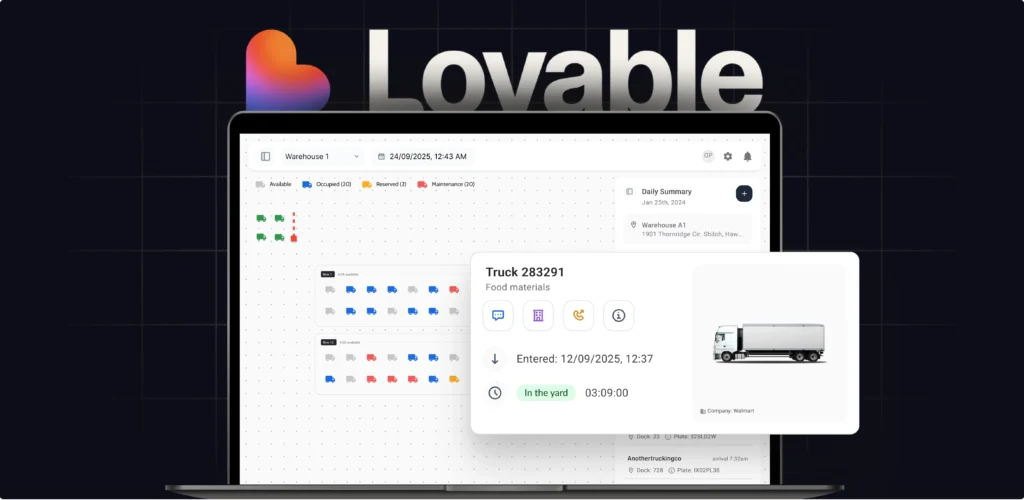
One of our clients needed to present a functioning product demo to investors within just a few weeks. The product was a complex warehouse management system, and creating a complete frontend in such a short time wasn't feasible.
Our team designed the interface in Figma, then turned it into an interactive prototype using Lovable. We hosted it on a dedicated URL. The client could guide investors through the main flows, demonstrate how the system functions, and respond to their questions confidently.
Ultimately, they not only shared an idea but also demonstrated a product experience, without investing time and resources in complete development at that phase.
We have a dedicated page where we explain in more detail how AI is used in real product design workflows, as well as development processes at UITOP.
AI proves to be very beneficial in complex SaaS products. These are systems that have multiple user roles, permissions, and workflows that involve a lot of data. Examples could include tools such as CRMs, analytics platforms or internal management systems. In these kinds of products, although how they look matters, design should prioritize logic.
As there are numerous processes, edge cases, and dependencies, AI can assist in simplifying this. You can use it for mapping user journeys, studying various scenarios, and examining how changes may impact the system before you start with the actual screen design.
Additionally, AI can assist as you design what to display in dashboards or tables. It can highlight patterns and suggest what matters most.
Let’s take a closer look at where AI actually fits into the design process, and which tools can support each stage, starting with UX research.
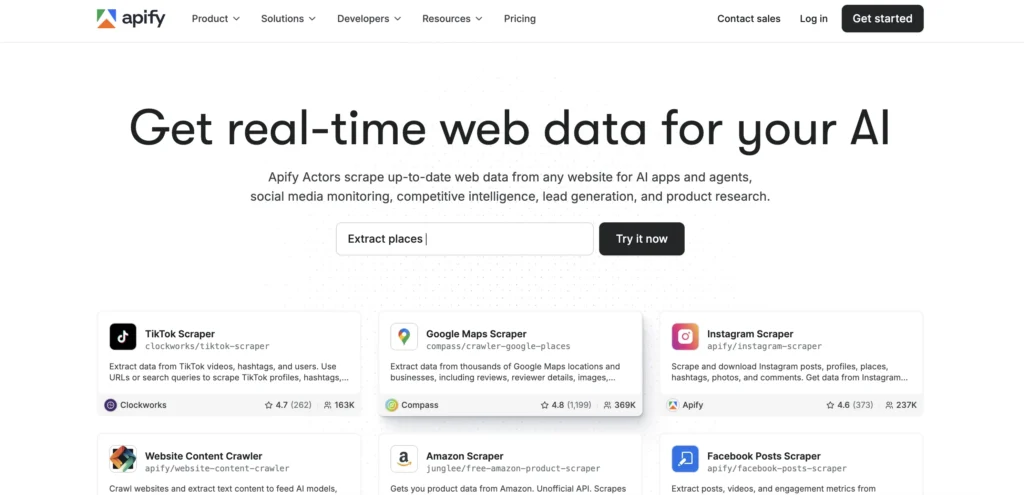
Apify is a platform for extracting and automating web data. It allows you to gather current data from nearly every website using scripts (known as Actors). Teams utilize this for activities such as monitoring social media, tracking competitors, generating leads, or researching products.
So, this is not a tool that has been specially made for design. However, design teams, including us, often apply it because real-world data proves extremely useful during research.
You have the option to gather user reviews, forum discussions, features of competitors, price plans, or even job listings for getting a grasp on how people describe problems and what solutions are already available. This provides you with an expanded and more genuine view of the requirements of users.
Apify is also useful for segmentation. When you gather large amounts of data, it allows you to begin noticing trends in behavior, expectations, or issues among various groups of users.
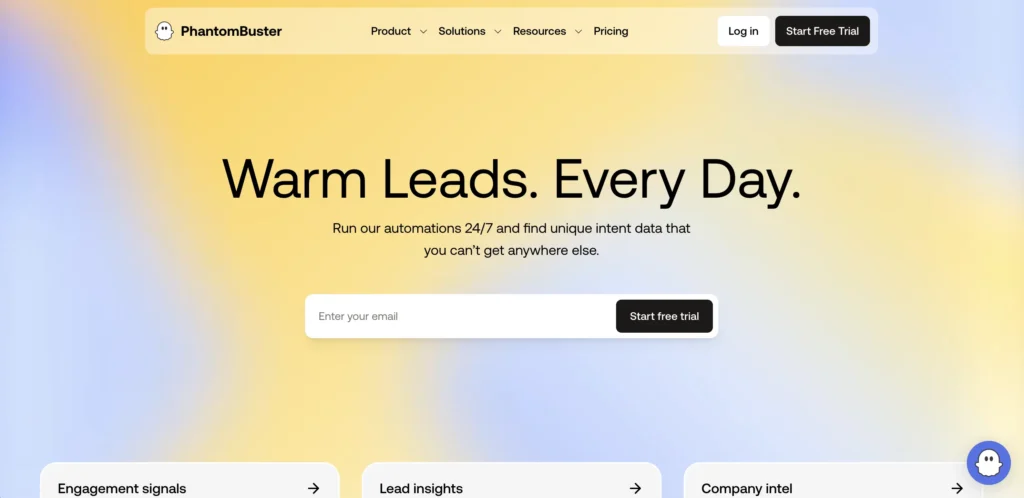
PhantomBuster is an automation platform mostly known for sales and lead generation. It connects to platforms like LinkedIn, Twitter, or other web sources. With the help of PhantomBuster, you can extract structured data like profiles, information about companies, and activity signals on a large scale.
Initially, it appears as if this is a tool you'd use afterwards, when your audience is known and you wish to connect with them. However, in the context of product design, particularly at the beginning phases, the goal is different. You’re not trying to generate leads yet - you’re trying to understand who these leads actually are, and PhantomBuster can also help with that.
We often use it when working on B2B products, where the end users are companies. This makes conducting research more complicated as there's a necessity to comprehend various roles, industries, and also company size, along with how decisions are made within them. PhantomBuster assists in collecting this type of data. You can gather details about target companies, see how people describe their roles, study trends across industries, and identify common tools and workflows they mention.
This lets you understand your future users better before the product is created.
While Apify and PhantomBuster can also be used for competitor data analysis, there’s a tool built specifically for this purpose - Competely.
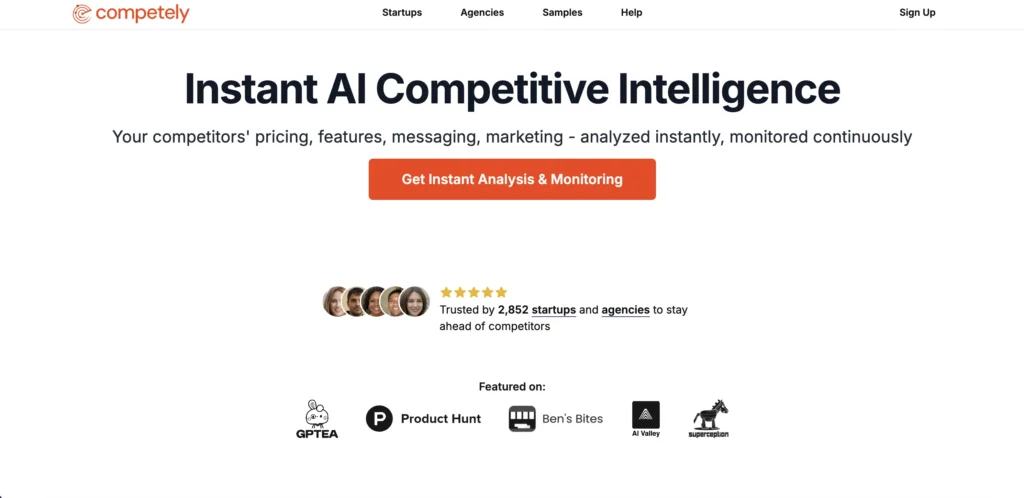
Competely is an AI for competitor analysis in product design.
Basically, it provides you with a fast glance at what is happening around your product - pricing, features, messages, and marketing. You can use competitors suggested by Competely’s AI or add ones of your own, and in a few minutes you’ll receive an organized analysis.
Competely can also deliver regular updates about important changes. This makes it very useful not just in the beginning stage of UX research, before design and development begin, but also afterwards. When your product is available to users, you are still facing competition.
Competitors introduce new features or functionalities; they modify prices or change their market position strategies. These changes can directly influence the choices of your users. When your product is available, changes in the competition landscape are continual. Competely allows you to react to any market challenges promptly.
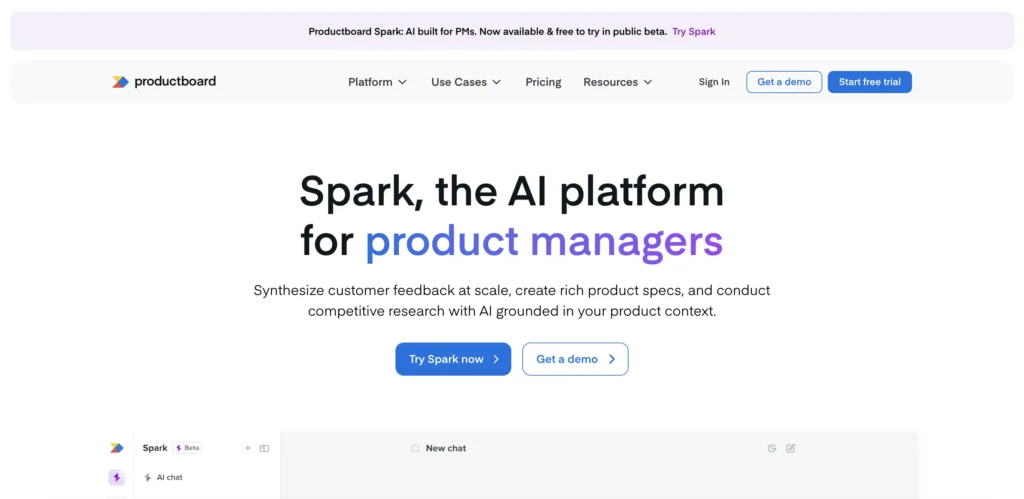
Productboard is a tool for product teams to figure out what to build next.
You collect user feedback, comments, ideas - everything is gathered in one place. As time passes, you begin to notice patterns. The same issues appear repeatedly. This is what assists you to comprehend what truly is important.
Productboard can be particularly valuable when it comes to prioritization. You see the feedback, link it to features, and choose what feature to proceed with next.
Also, there is an AI called Spark. This contains a collection of prompts that you can use throughout the entire procedure, starting from initial discovery to organizing a launch.
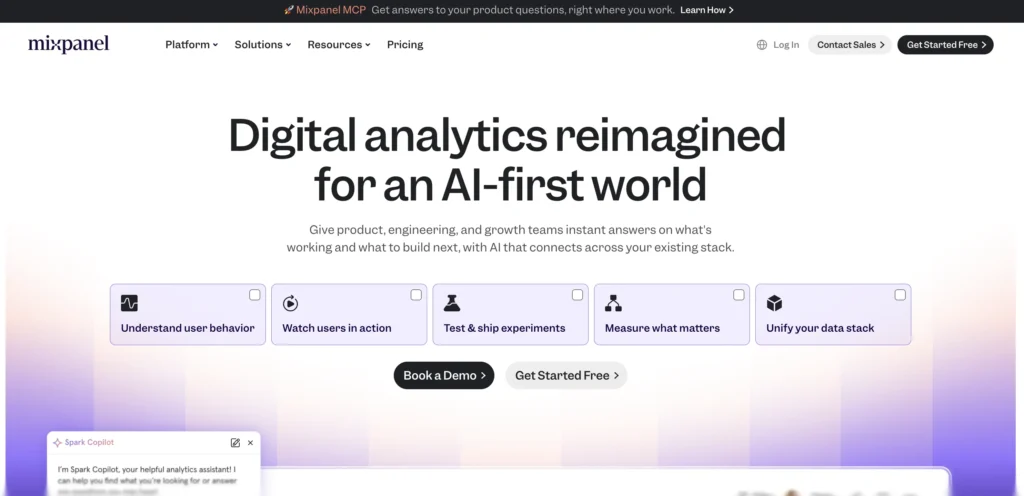
Mixpanel is a tool that shows how people actually use your product.
It can monitor what actions users take: what they click on, how they navigate through processes. You are able to observe which features users love and those that they don’t.
It’s helpful for knowing what aspects are functioning well and which ones aren’t. For instance, you can look at where users stop a registration process or the actions that pose challenges. You also have the ability to measure conversions and observe all factors influencing them.
On top of that, Mixpanel assists you in observing whether users return, the frequency of their returns, and what keeps them interested in your product.
Once the preparation work is done and you have all the necessary data, you can move on to applying these AI tools in UX and interface design.
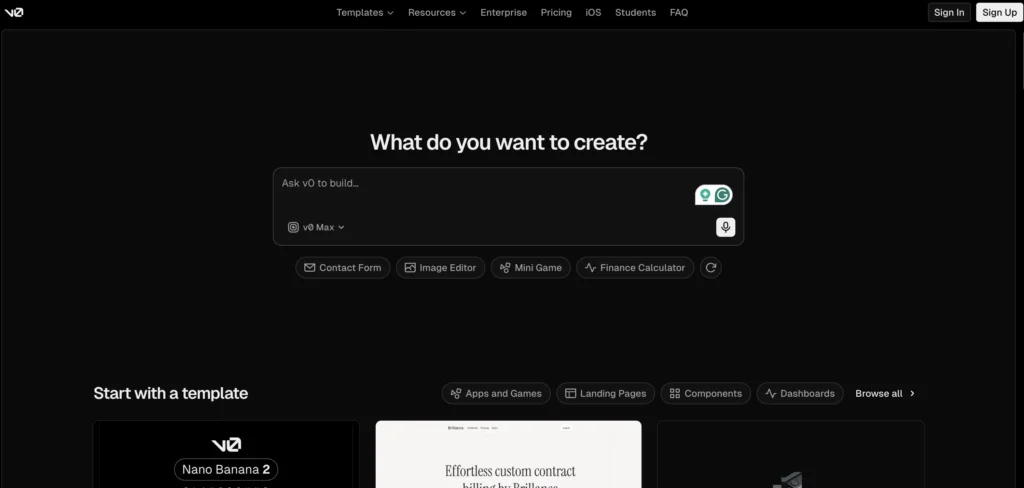
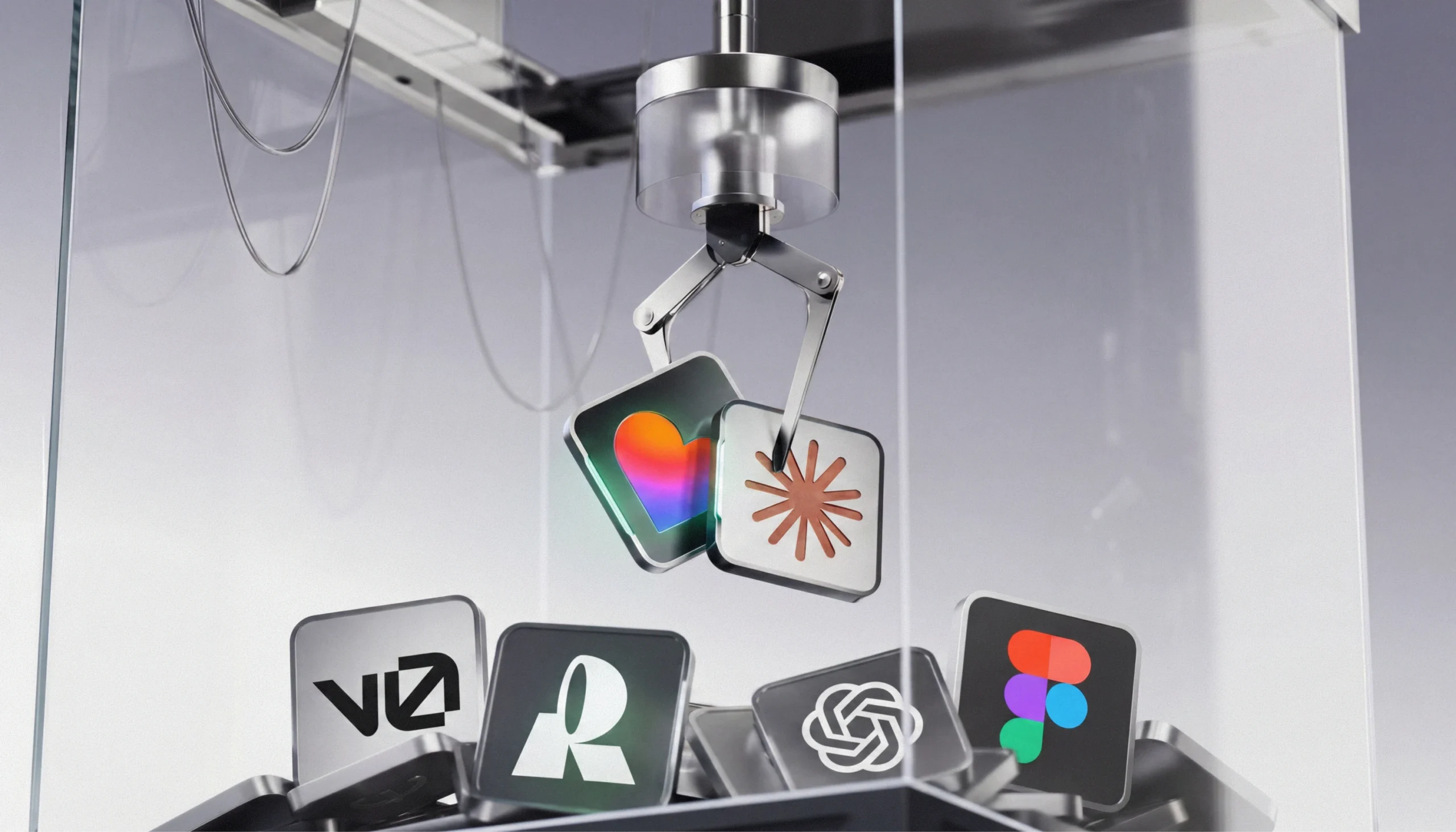
Vercel's v0 is one of the best AI tools for product design that helps create and construct web interfaces straight from commands. You just explain what is needed - a dashboard, a form, a service page - and it creates a functioning UI.
This platform is effective in the early phases. You can rapidly test concepts, experiment with various designs, and check how your solution might look and function without investing much time in manual design. If anything seems incorrect, you can modify the prompt to create a new version.
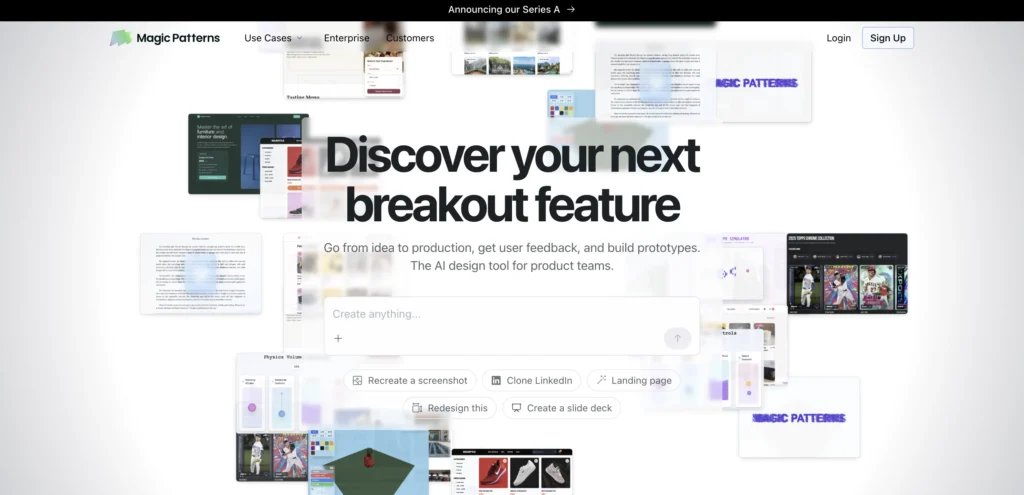
Magic Patterns is a tool that helps product teams turn ideas into testable prototypes.
Just like with v0, you begin with a basic description, and it will create screens and flows. You receive something that can be displayed, clicked through, and used for the feedback. From there, you can modify the result and give another try based on the received feedback.
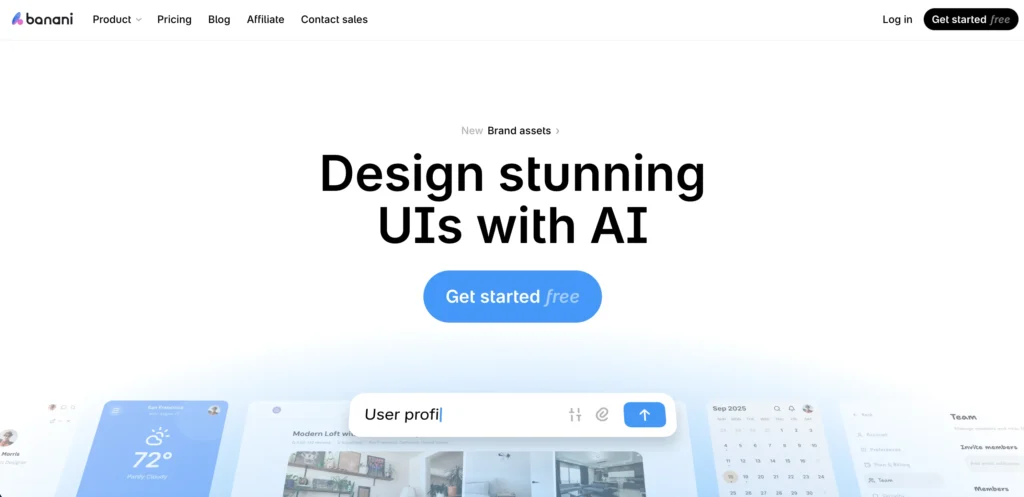
Banani is an AI design tool that generates UI screens and flows from short prompts.
You tell about your requirements, and it will generate organized layouts, which you can modify. You have the option to export outcomes and carry on work in applications such as Figma or hand them over for development.
Banani also works with references. You can upload screenshots, pictures, or even Figma links. It recognizes the visual design and arrangement from these uploads. After that, you have the option to create new versions in a similar style or almost replicate the interface entirely.
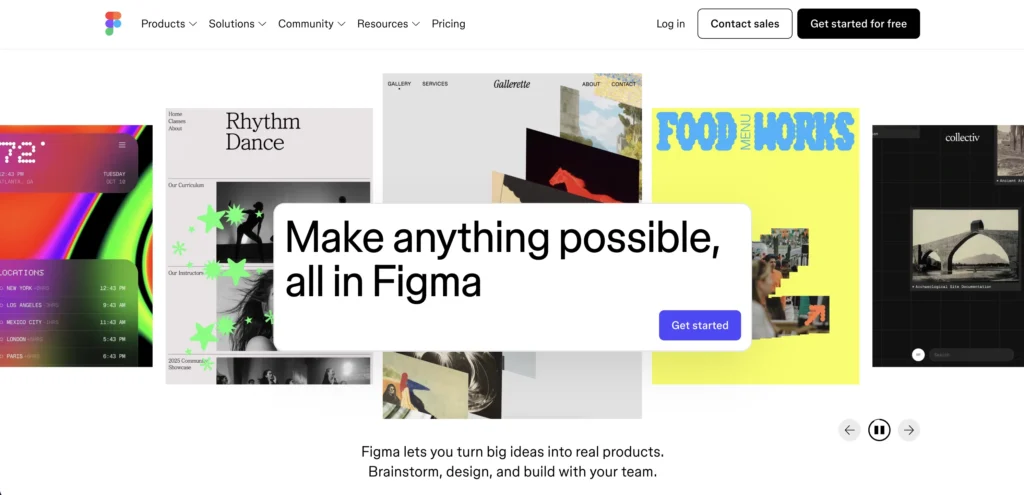
For many years, Figma has been the main tool used by product designers. This is where most of the interface tasks are done such as layouts, systems, components, and prototypes. And it hasn’t stayed aside from the AI shift.
Figma now has the best AI for product design. With AI Make, you can begin from a design and convert it into an operational prototype using prompts.
Additionally, there is AI that assists with structuring ideas, managing feedback, and converting raw inputs into understandable diagrams. It comes in handy when you are handling complicated processes or initial ideas.
Even small things are covered. Tasks like removing image backgrounds now take one step.
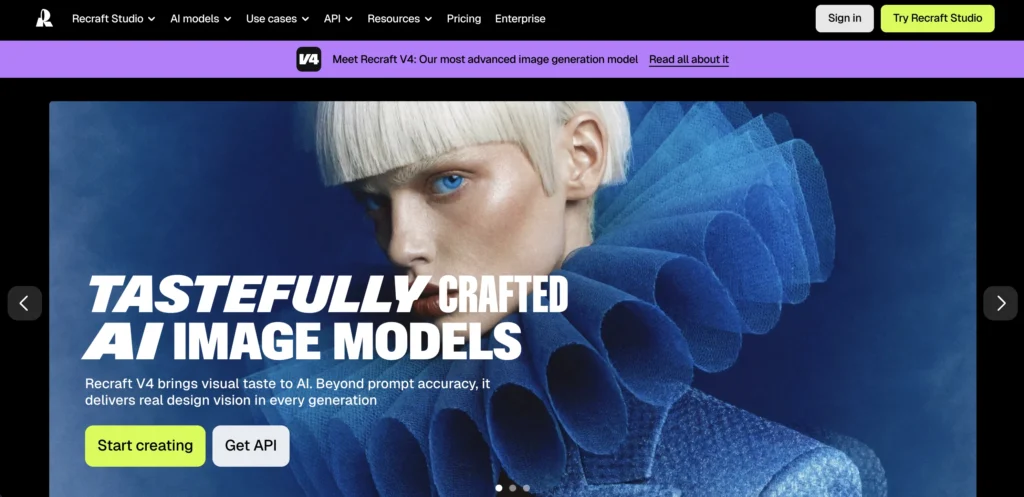
Recraft is the best AI tool for product design, especially when you need to create specific visuals for your product.
This is a platform for AI design that creates pictures from text, but it does more than just simple visuals. You are able to create photorealistic images, produce vectors, create mockups, or even use its feature for product photoshoots, all without the need of additional tools.
Recraft is helpful in designing products when you require unique assets that suit your interface, as you can create visuals that match your style and practical application.
Creating vectors is also a powerful feature. You are able to make icons, drawings, or UI elements that remain uniform with your design system.
Overall, Recraft saves time on asset creation and helps keep visuals aligned with the product.
AI becomes even more useful in complex systems like CRMs, fintech products, and large SaaS platforms. As we’ve already mentioned, these types of products generally have a lot of rules, user roles, permissions, integrations with other services or applications, and just vast amounts of data.
In such cases, you can use Figma, v0, Magic Patterns, and Banani to explore flows, organize screens, and test interface concepts. Here, you might also consider Mixpanel because it provides insight into how users navigate through complicated processes. And Productboard can assist you in understanding feedback and determining what is most important.
ChatGPT can also assist with product design for complex SaaS systems. It can be used for mapping flows, finding edge cases, splitting logic into parts, and dealing with scenarios that are heavy with data. For this type of task, it’s more reasonable to use a mode focused on reasoning like Thinking, if available, rather than the quickest one. This is because Thinking mode works better for tasks involving many steps, while Instant mode serves well for day-to-day needs. At the same time, OpenAI clearly notes that ChatGPT can make mistakes, so important details should always be checked.
Another aspect that is critical here is that in industries with a lot of regulations such as fintech, healthcare, or insurance, the sensitivity of data must not be taken lightly. When using AI for product design, teams also need to think about privacy, compliance, and what data can safely be used at all.
AI is useful, but it has limits, and it’s important to keep them in mind.
Data privacy is a crucial point we just discussed. In sectors such as fintech or other industries with regulations, you may not be able to use all data with AI tools. Sensitive information can limit the usage and application of AI in these areas. So, AI doesn’t remove compliance requirements.
Another limitation is accuracy. AI can “hallucinate” - it may generate information that sounds correct but isn’t. This can occur with flows, data assumptions. For this reason, results should always be checked, especially if you deal with complex SaaS platforms.
There’s also the issue of context. AI doesn’t completely understand your product, users, or business limitations. It operates based on patterns, and this implies it may overlook edge cases or make suggestions that aren’t suitable for your circumstances.
Last but not least, consistency. AI outputs can change from one prompt to the next, even if they are given similar input. This makes it difficult to depend on them for steady and repeatable results without control.
AI works best when it’s part of a system.
A common mistake is to apply AI everywhere, as this often leads to scattered outputs. Rather, it’s best to identify where AI truly suits your workflow, such as research, exploration, prototyping, analysis, and apply it during these phases.
This way, you begin with clear inputs: research information, user requirements, business objectives. Then AI aids in particular tasks such as processing data or accelerating iterations. After that, the team examines, sorts out, and chooses what progresses next. This method maintains order in the process and prevents random results.
It’s also crucial to maintain ownership on the side of the team. AI can make suggestions, but it shouldn’t set direction. Strategy, priorities, and ultimate decisions must be still determined by people who understand the product and its context. This is exactly how our SaaS design and development company applies AI.
Talk to us
Building an AI product and need UX that users can actually understand and trust?
Contact usAI assists designers in speeding up their work. However, it cannot substitute understanding. The choices for products still rely on the understanding you have of your users, your product itself, and the business that supports it.
That’s the approach we follow at UITOP. We use AI to support the process. In a time when it’s easy to generate fast but generic results, our attention remains on maintaining high quality.
If you’re looking for a team that balances speed with solid product thinking, we’re a product design and software development company with experience across different industries, including regulated ones like fintech and healthcare. We also work with complex SaaS platforms, such as ERP and CRM systems. Reach out to us to discuss your project and how we can assist!
If you require AI tools when working on the interface design and prototyping, consider Figma, v0 by Vercel, Magic Patterns, and Banani. These are the tools teams use most often. And if you’re working with data or research, you might benefit from Apify and PhantomBuster, as these platforms are useful for collecting and structuring inputs. For decision-making and analysis, Productboard and Mixpanel help you understand what matters and what to prioritize.
It’s best to use AI to speed up the routine parts that take time. For example, you can use ChatGPT to summarize research or group user feedback and Figma or Magic Patterns to generate and test interface ideas.
No. AI can generate screens, flows, ideas. Sometimes they even look decent. But that’s not the most challenging part of the product designer’s work. The most challenging part is knowing what should be built. AI doesn’t really get that. It doesn’t know your users, your product, or what’s at stake if you get it wrong. Therefore, AI gives you options, but you still have to choose.
Start simple – use AI to speed up the most tedious parts. You can pull data about competitors (features, pricing, reviews) with Apify or PhantomBuster. Then sort it: group features, spot patterns, see how products differ. In general, let AI gather and organize the information, then go through it yourself and make final decisions.