How we use AI in our process
Aviation Maintenance Transformation
for WingWork

WingWork is a comprehensive B2B cloud-based SaaS platform providing advanced maintenance tracking software designed specifically for private aviation companies.

WingWork requested UITOP's expertise to redesign their B2B SaaS platform. Our team focused on delivering a clear and user-friendly interface for the aviation industry. The design team aimed to make navigation intuitive and efficient, helping users save time while maximizing platform functionality. To ensure a seamless user experience, UITOP transformed complex aviation workflows into simple design solutions and avoided the common UX mistakes of competitor products.
We redesigned WingWork’s software to transform their user experience. This redesign delivered advanced solutions for bulk compliance and maintenance data management. The new, easy-to-use interface simplifies daily tasks, optimizes workflows, and boosts productivity. The final design reduces critical errors in aircraft maintenance and provides an effective, powerful tool for the private aviation industry.

Project Brief
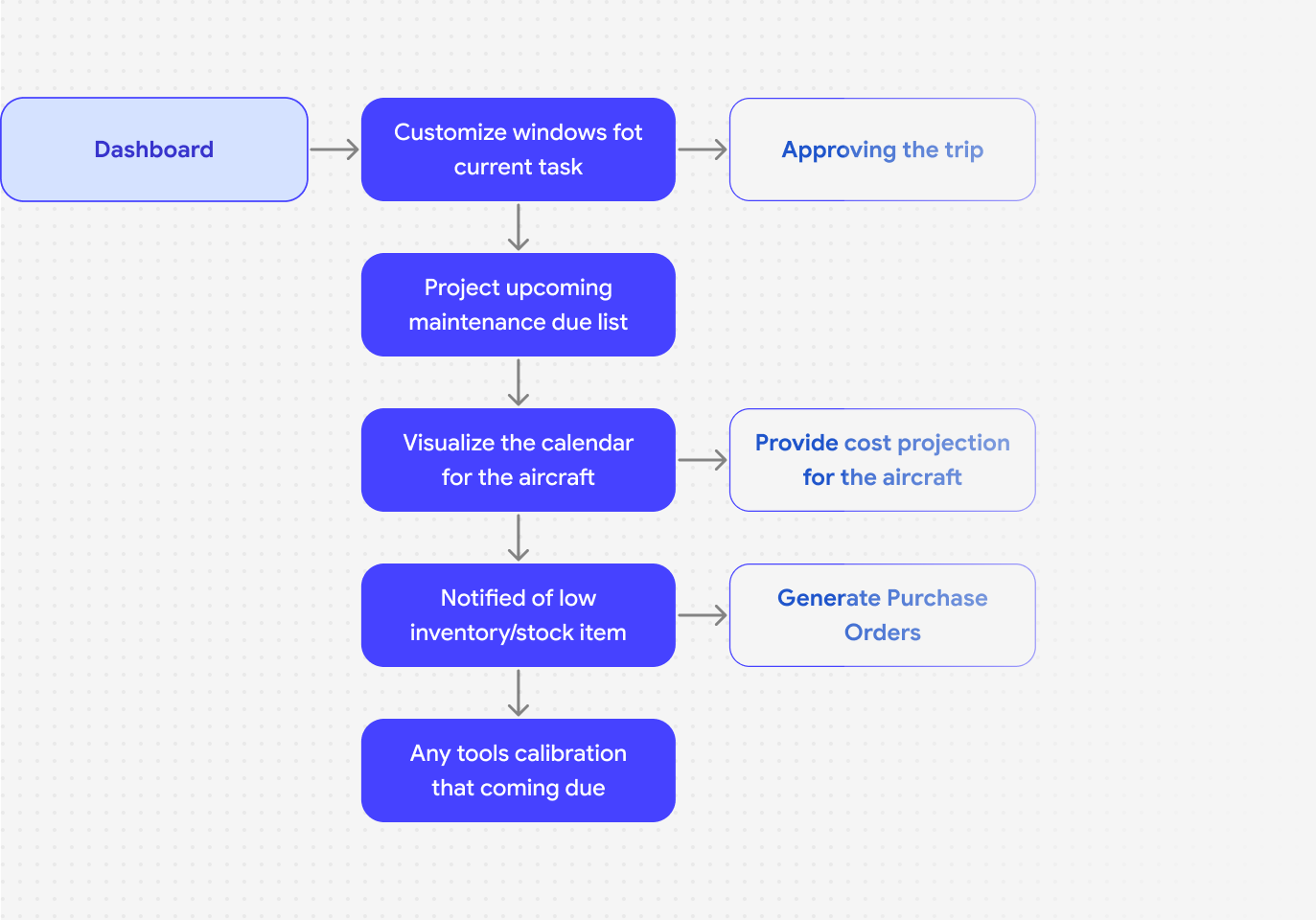
WingWork, a B2B SaaS platform, revolutionizes fleet management and maintenance tracking for Part 91 and Part 135 mechanics. The software uses an intuitive interface to simplify complex processes like task management, real-time compliance tracking, automated inventory management, and bulk data entry. WingWork’s mission empowers aviation mechanics to save time, reduce critical errors, and increase profits for their businesses.

Dashboard
Problem
Mechanics often feel overwhelmed by complex SaaS dashboards that lack personalization and fail to connect different data sources. These platforms also confuse users with poor data visualization, run slowly, and lock mechanics out of mobile access. Because of these barriers, users struggle to find historical data to analyze trends and plan proactive maintenance.
Solution
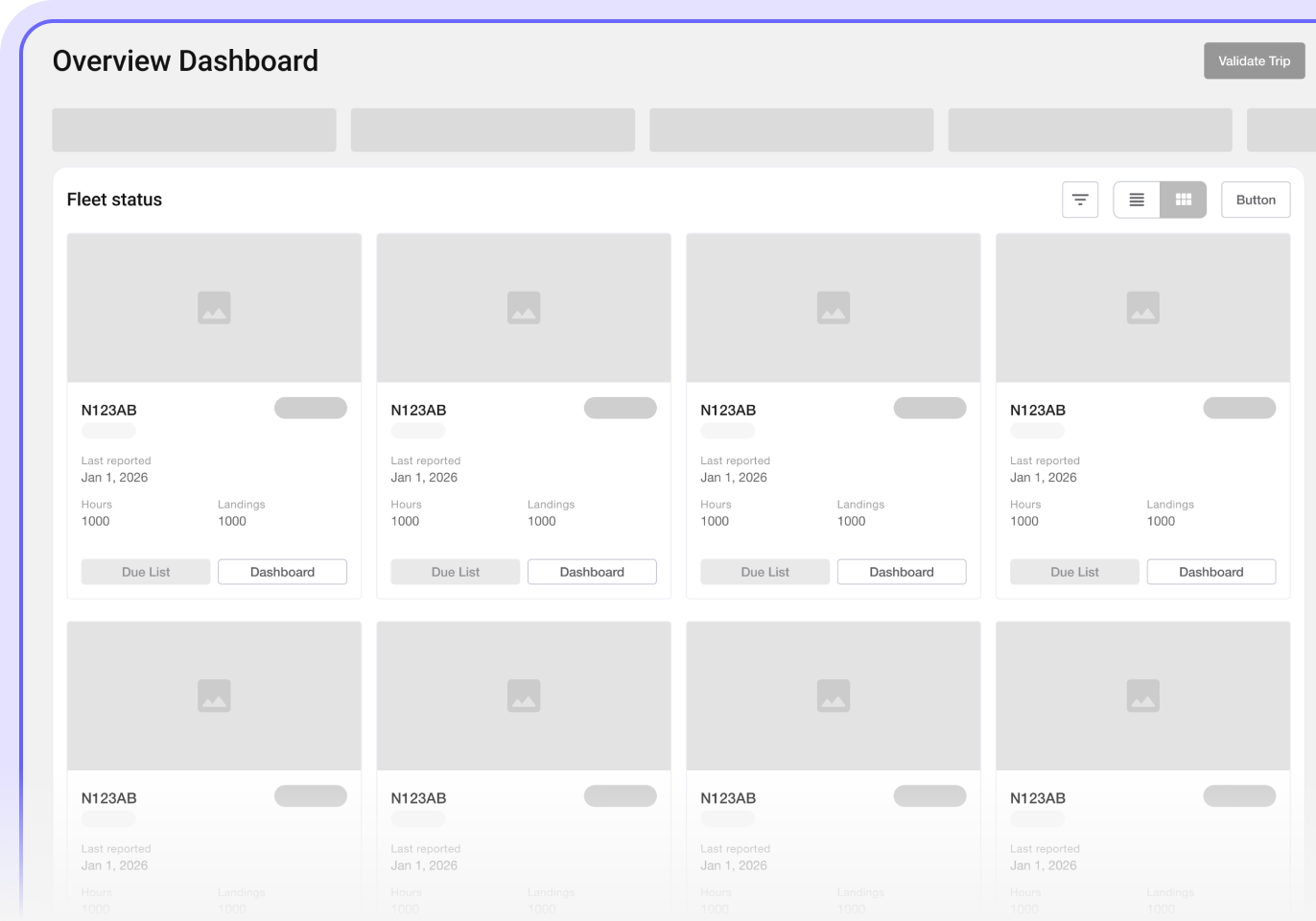
We redesigned the dashboard into two clear sections: one for real-time aircraft status and the other for detailed maintenance schedules. This new layout improves usability, enhances data visibility, and supports better decision-making. As a result, mechanics now feel confident and completely in control of their daily workflows without unnecessary distractions.

Plane Info
Problem
An airplane is a complex machine with numerous critical stats. Displaying all this information on a single screen can easily overwhelm users. This visual noise makes it difficult to decide what to prioritize and how to act.
Solution
Using a structured table allows the platform to display large amounts of data clearly. Because this format condenses text and maintains whitespace, it prevents visual overload and helps users read and understand information faster.

Performing Order
Problem
Manual, paper-based workflows in private aviation cause data gaps, human errors, and costly delays. A lack of real-time visibility into tasks and compliance deadlines lowers efficiency, hurts communication, and creates serious safety risks. As a result, mechanics feel constantly stressed while trying to track critical updates across physical stacks of paper.
Solution
This feature brings tasks and records together into a single hub to provide real-time updates and clear visibility. Automated tracking prevents manual errors, speeds up workflows, and reduces aircraft downtime. Better compliance management guarantees that the company meets regulatory standards, which significantly improves safety and operational efficiency.

Task Management
Problem
Because aviation companies use manual processes and disconnected data, mechanics face constant errors, delays, and compliance issues.The lack of a centralized system blocks real-time updates and ruins coordination, which makes day-to-day workflows more difficult.
Solution
The task management feature consolidates all maintenance data to deliver real-time updates and automated tracking. This centralized approach prevents errors and ensures strict compliance, which helps the team complete workflows faster and improves overall coordination.

Inventory Tracking
Problem
Manual inventory checks force mechanics to make time-consuming data entry errors. This outdated approach directly creates major inefficiencies in stock management. Few things are more stressful for a mechanic than discovering a critical part is missing at the very last minute, which completely halts urgent aircraft repairs.
Solution
The inventory tracking module automates updates and provides real-time visibility. This automation removes data entry errors, which helps mechanics manage stock efficiently and maintain full regulatory compliance. Knowing exact stock levels removes the panic of missing parts, so teams can finish the job with full confidence.

Components Library
Challenge
Building a startup without a standardized UI component library is a major mistake. This approach leads to inconsistent designs and redundant development efforts. As the project grows, this inconsistency results in prolonged development cycles and fragments the user experience, especially when developers add new features.
Solution
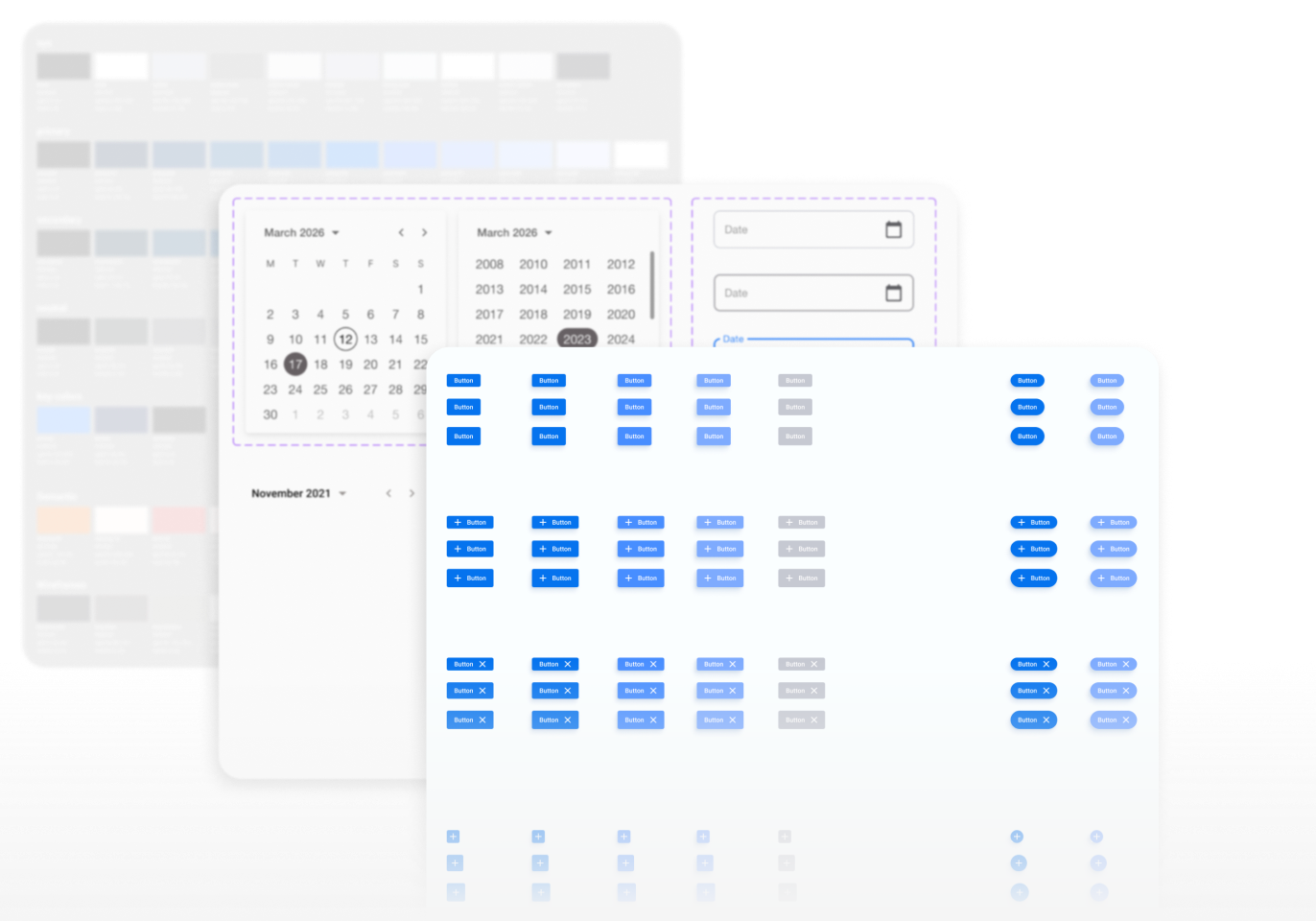
We developed a components library that centralizes common UI elements and styles. This library speeds up development, ensuring consistency and coherence across the platform. By providing reusable components, we reduce development time, make updates easier, and maintain a consistent user interface.

Similar cases


Technology
The interface matches well with the development frameworks. This ensures that the experience is easy for users.


Problem solving
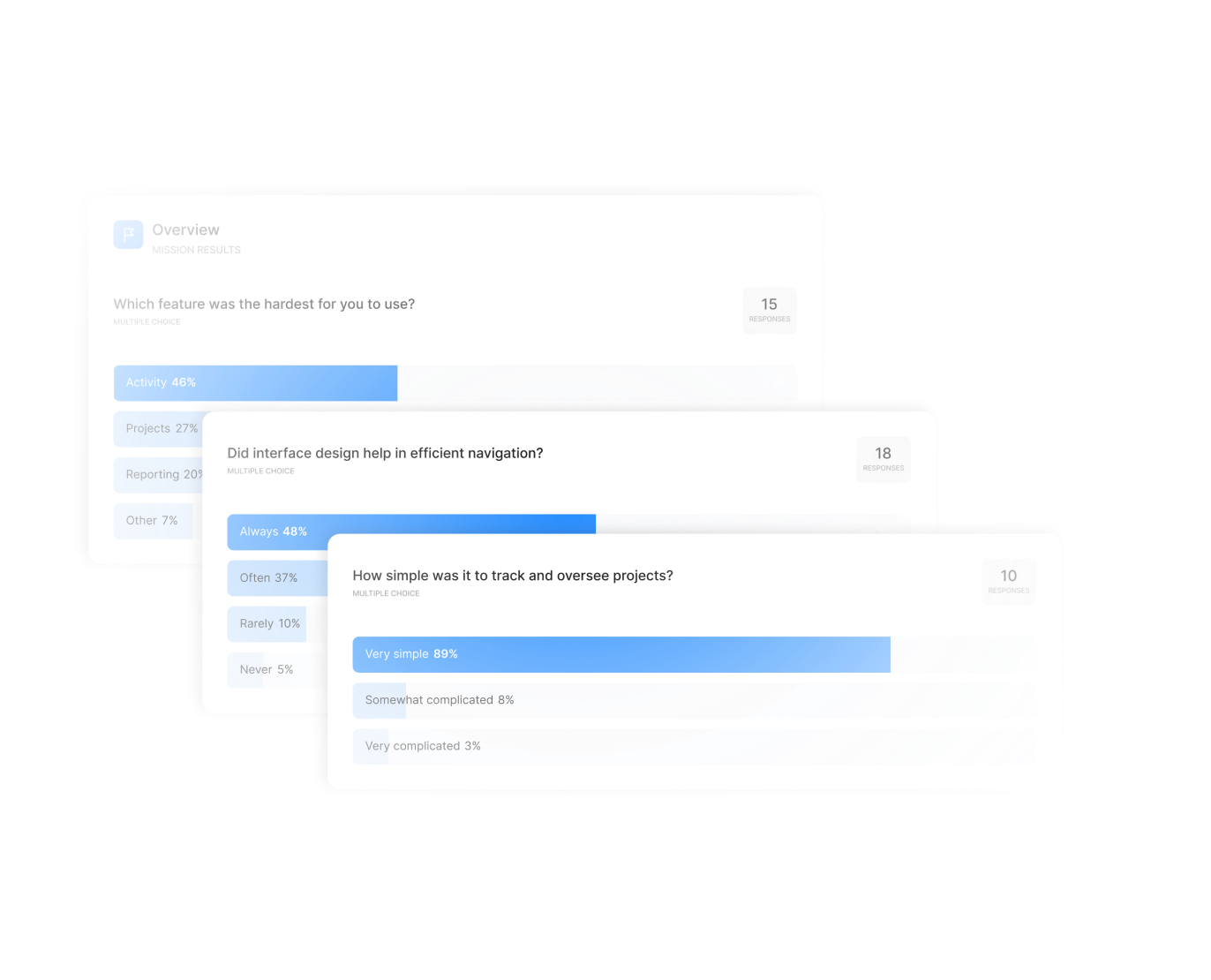
A successful design process balances creativity and practicality, focusing on user needs and iterative feedback to improve usability and satisfaction.
Architecture
Wireframing
Design system
Prototype & Testing